How Gaming Chairs Are Designed for Movement and Flexibility
31 May 2026
Let’s be real — if you’ve spent hours immersed in intense boss fights, competitive online matches, or even just grinding levels on your favorite RPG, you know how crucial a comfortable, supportive chair can be. But gaming chairs aren’t just about sleek looks and cool colors. The best ones are engineered with movement and flexibility in mind. Why? Because gaming isn't static. You're leaning forward, shifting left and right, reclining, stretching, and adjusting — sometimes within the span of five minutes!
So, what exactly goes into the ergonomic magic behind these chairs? Why do some gaming chairs feel like an extension of your body while others feel like rigid torture devices? Buckle up (pun intended), because we’re about to break it all down.
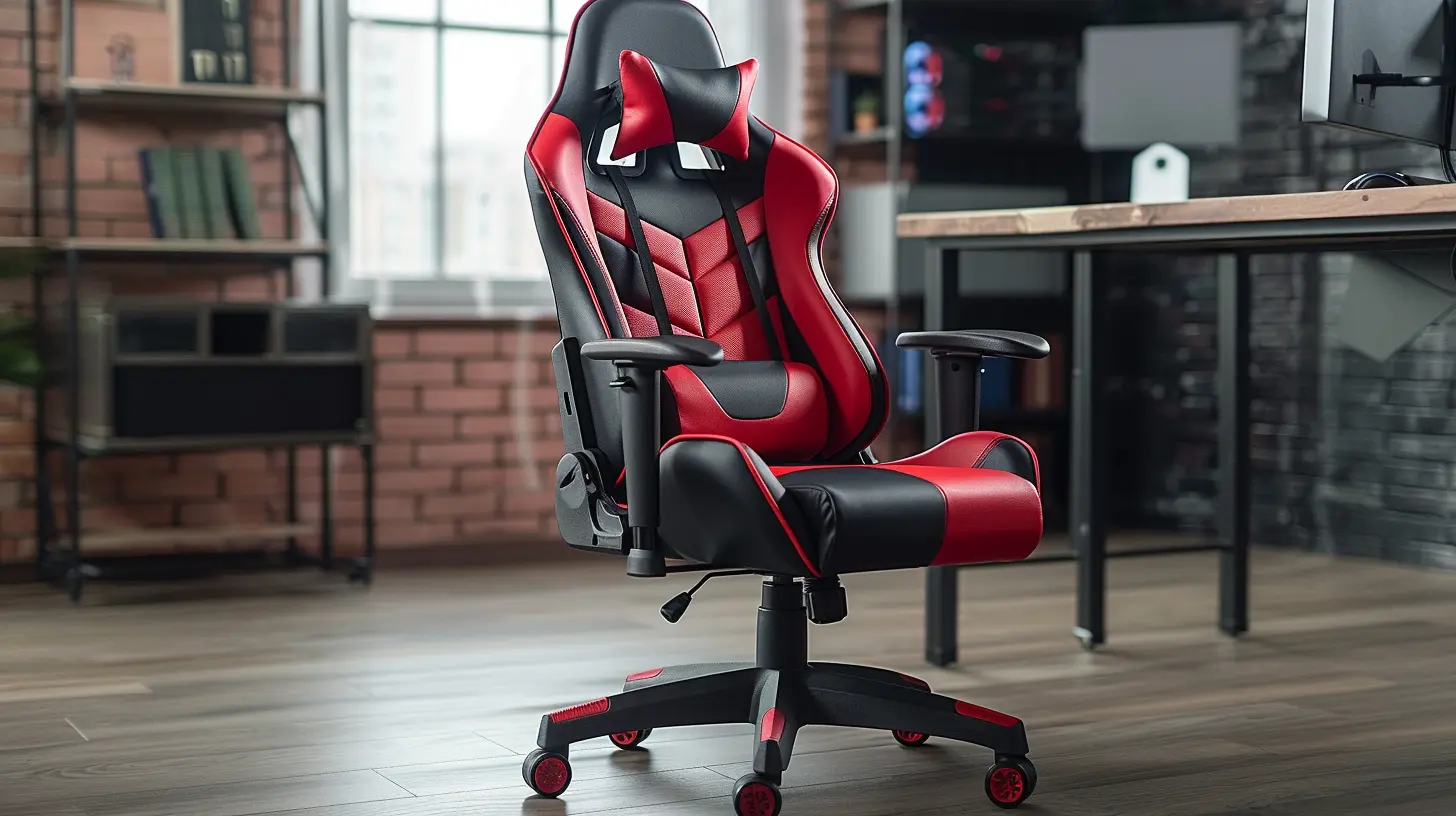
Why Movement Matters in Gaming Chairs
Gaming isn’t just sitting. It’s active sitting. Sounds weird, right?But think about it: Whether you’re dodging enemies in Elden Ring, building at lightning speed in Fortnite, or racing through tracks in Gran Turismo, your body is constantly in micro-motion. Even if you’re not realizing it, your arms, spine, and hips are adjusting to match your in-game intensity.
Now imagine doing all that movement in a stiff, unsupportive chair. Not only does this limit your reaction time, but it can also cause long-term strain on your back, neck, and shoulders. That’s where gaming chair design kicks in.
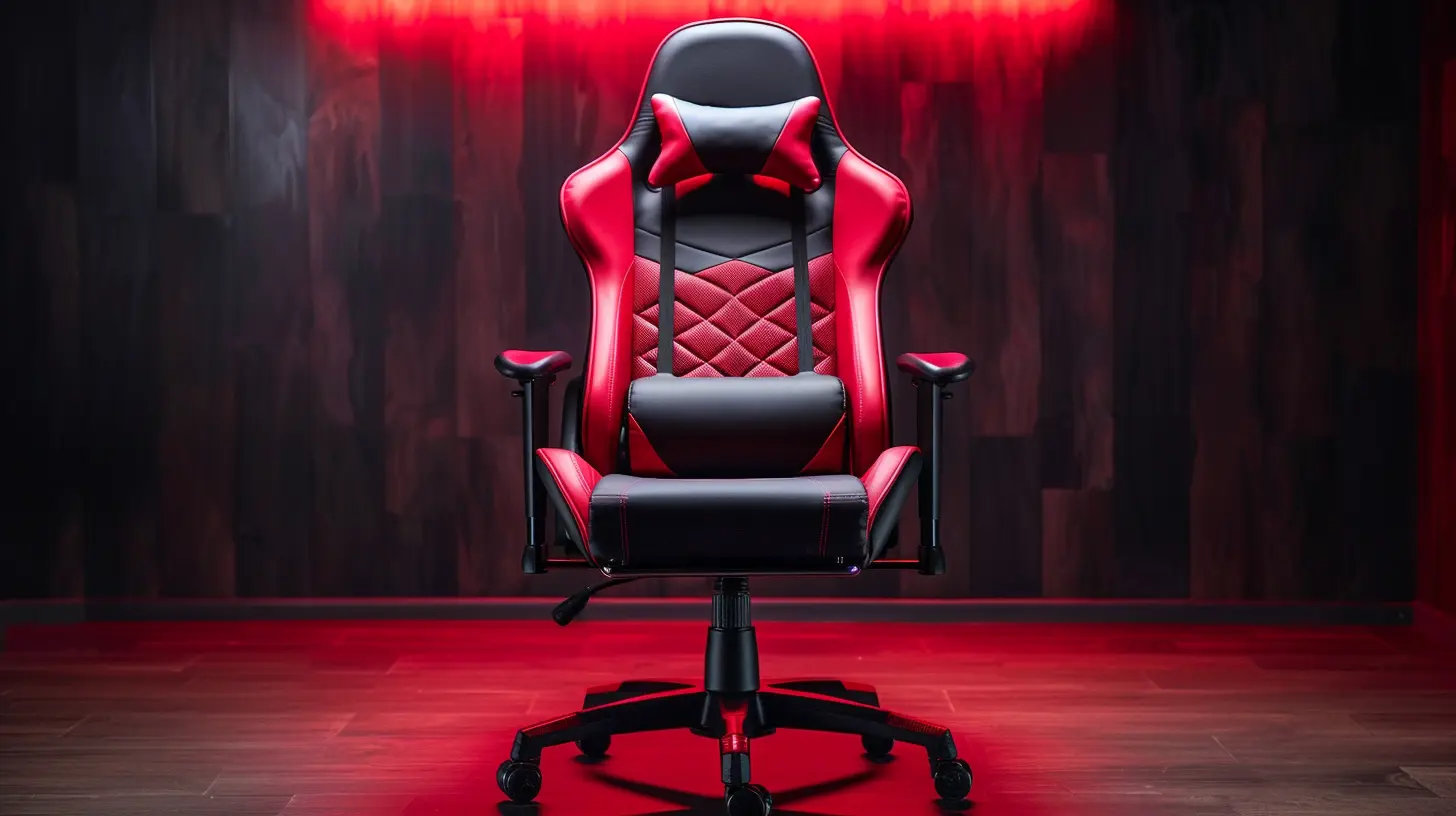
The Anatomy of a Movement-Friendly Gaming Chair
Gaming chairs today are jam-packed with flexibility-focused features. Let’s break down the core elements:1. Reclining Capabilities
Let’s start with every gamer’s favorite feature — the recline.Most high-end gaming chairs come with adjustable recline options, usually ranging from 90 degrees (fully upright) to around 165 degrees (almost horizontal). Why does this matter?
Simply put, you need a break. Between matches or during long cutscenes, being able to lean back and relax can relieve spinal pressure and reduce fatigue. What’s awesome is that many chairs allow you to lock in various angles — perfect for everything from laser-focus to Netflix downtime.
2. Multi-Directional Armrests (aka "4D Armrests")
If you’ve never used a chair with 4D armrests, you’re missing out. These give you the ability to move the armrests:- Up and down
- In and out
- Forward and backward
- Rotate side to side
This customizability means your arms and elbows can stay supported no matter how you move your body or shift your position. It's like the armrests are having your back — quite literally.
3. Swivel Base and Smooth Casters
Ever been trapped in one position and had to awkwardly twist your entire body just to grab a controller or water bottle? Not fun.Gaming chairs are equipped with 360-degree swivel bases and smooth-rolling wheels that let you glide across the floor like a stealthy ninja. This freedom of movement reduces strain and just makes your entire setup feel more dynamic.
4. Gas Lift Mechanism for Height Adjustment
Nobody’s body is the same. Your legs, torso, and eyes are different from the next person’s, and your chair needs to match your desk and monitor setup. That’s where the gas lift cylinder comes in.This feature lets you adjust the seat height with ease, helping you align your screen at eye level and your knees at a comfy 90-degree angle (yes, ergonomics again!).
5. Tilt Tension Control
This is one of those under-the-radar features that makes a world of difference.Tilt tension control allows you to set how easily your chair rocks back when you lean into it. If you're lightweight or prefer a more sensitive recline, loosen it. If you want a firmer feel, tighten it up. It's all about matching your movement style.
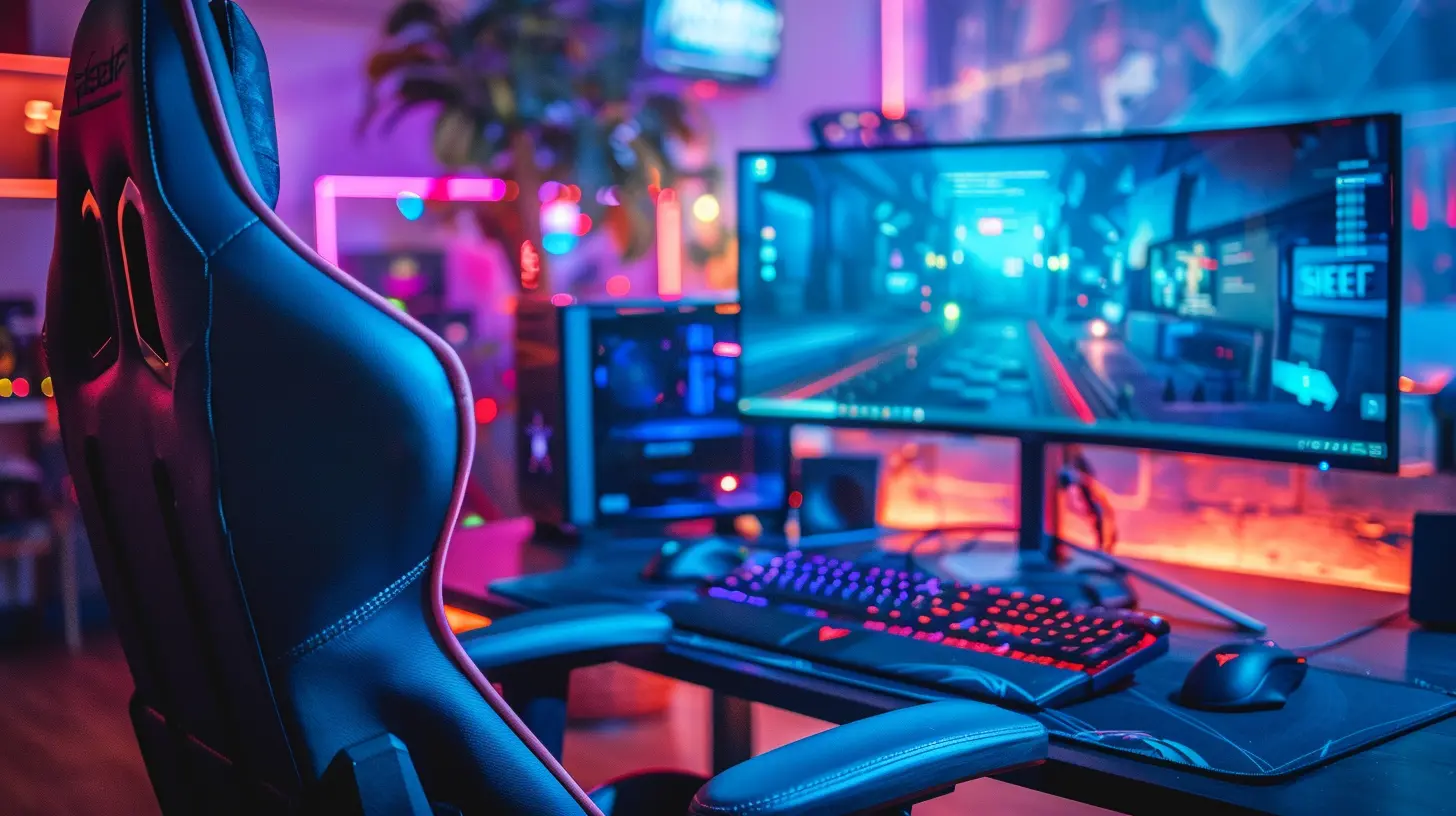
The Ergonomic Engineering Behind It All
Movement doesn't mean anything without ergonomic support. In fact, excessive flexibility without the right design can just lead to more back pain.Lumbar Support
Most quality gaming chairs come with built-in or adjustable lumbar support pillows. These help maintain your spine’s natural curve and reduce lower back stress during long sessions.Some chairs even offer dynamic lumbar support, which moves with you. Think of it like memory foam pillows for your lower back — constantly adjusting to your posture.
Headrests
Ever finish a gaming session with a headache or neck cramps? That’s often due to poor neck support. Integrated or adjustable headrests are designed to keep your neck aligned with your spine, meaning less fatigue and more endurance.Seat Design
A flexible gaming chair also considers your butt. Yup, we said it.Seats are usually bucket-style (like in race cars) to keep you centered and supported. Quality foam padding adapts to your body, and breathable materials keep you cool during marathon runs.
Materials That Move With You
Movement and flexibility aren't just about mechanics. The materials used to build gaming chairs also play a role.Mesh vs. Leather vs. Fabric
- Mesh: Maximum breathability and flexibility. Great for hot climates or gamers who tend to sweat.- PU Leather: Gives that premium look while offering decent flexibility and easy cleaning. Can get hot though.
- Fabric: Soft and warm with good stretch. Offers comfort with a bit more give than leather.
The material affects how much resistance your chair gives when you move around, so it’s worth paying attention to.
Frame and Base
A chair's frame is its skeleton. Steel or aluminum frames provide durability and flexibility without compromising stability. Similarly, the base (often made of nylon or metal) needs to offer a solid foundation that still allows for smooth gliding and tilting.Gaming Chairs vs. Office Chairs: What’s the Real Difference?
You might be asking — can’t I just use an office chair? Why bother with a gaming chair?Here’s the deal: Office chairs are made for typing, clicking, and desk work. They’re mostly built for static support. Gaming chairs, on the other hand, are made for movement. They’re designed for multitasking postures — those ever-shifting poses we take while immersed in gameplay.
Think of office chairs as cruise control and gaming chairs as a race car — more twitchy, more reactive, and meant for high-performance sessions.
Flexibility for Different Types of Gamers
Not every gamer plays the same way. Whether you're a console couch potato or a PC desk jockey, gaming chair flexibility adapts to your style.For PC Gamers
You need precision and agility. A chair that swivels, reclines slightly, and has 4D armrests will be your best friend. Height adjustability is key to matching your monitor setup.For Console Gamers
Since consoles are often played from a distance, reclining and comfort take priority. A chair with a wide recline range, lumbar support, and cushy padding is ideal.For Streamers and Content Creators
You’re sitting for long stretches, but you also need to move around on camera, manage gear, and stay energized. Look for chairs with strong ergonomic features and breathable materials to stay cool under pressure.Tips to Maximize Movement in Your Gaming Chair
Let’s wrap this up with some quick actionable tips.- Adjust everything: Don’t just use your chair out of the box. Spend time setting your height, recline, armrests, and lumbar support to fit you.
- Move often: Even the best chair can’t fix bad sitting habits. Shift positions regularly, stand up between matches, and stretch.
- Keep it on a smooth surface: Your gaming chair’s wheels work best on hard floors or low-pile rugs. If movement feels stifled, invest in a chair mat.
- Maintain it: Lubricate the wheels, tighten screws, and check the tilt mechanisms now and then for smoother operation.
The Future of Gaming Chair Movement
Designers are constantly leveling up (pun intended again) their chairs to offer even more flexibility and responsiveness. We’re seeing smart chairs that track posture, chairs with integrated massage systems, and even chairs built with dynamic weight-shift technology that moves as you move.The future looks incredibly comfortable — and incredibly immersive.
Final Thoughts
Gaming chairs aren’t just seats; they’re tools. They're an extension of your body, designed to support your movement, flexibility, and overall health while you game. Whether you're a casual weekend warrior or a professional esports competitor, investing in a gaming chair that aligns with your movement needs is one of the smartest decisions you can make for performance and comfort.So next time you jump into a chair, ask yourself — is it moving with you or working against you?
all images in this post were generated using AI tools
Category:
Gaming ChairsAuthor:

Brianna Reyes
Discussion
rate this article
1 comments
Karina Long
Gaming chairs should prioritize comfort and mobility.
June 6, 2026 at 2:30 PM
Brianna Reyes
I completely agree. Comfort is key, and a chair that allows for easy movement can really enhance the gaming experience.