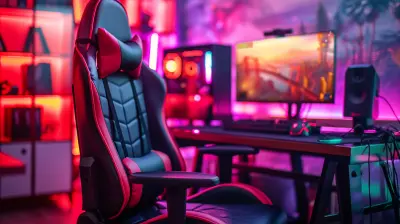
How to Customize Your Gaming Chair for Extra Comfort
21 May 2026
Let’s be honest—no one wants to spend hours grinding through their favorite game while constantly shifting in a chair that feels like a medieval torture device. Whether you’re a casual gamer or a full-time streamer, your gaming chair isn’t just a piece of furniture—it’s your command center. So, if it's not already the throne of comfort it should be, let's fix that.
In this epic guide, we're going to dive into some easy, practical, and even fun ways to customize your gaming chair for extra comfort. No need to be a DIY wizard—just a little creativity, a few tweaks, and your chair could start feeling like it was designed just for you.
Why Comfort Really Matters in a Gaming Chair
Before we start tweaking and tuning, let’s chat about why this matters.When you’re gaming for long hours, discomfort can sneak up on you like a creeper in Minecraft. First, it's a little lower back ache. Then your neck tightens. Before long, you're rage-quitting—not because of the game, but because your chair betrayed you.
A comfortable gaming chair can:
- Boost your focus and performance
- Reduce fatigue and soreness
- Prevent long-term posture problems
- Improve your overall gaming experience
Think of your gaming chair like your in-game armor. You wouldn’t go into battle under-geared, right?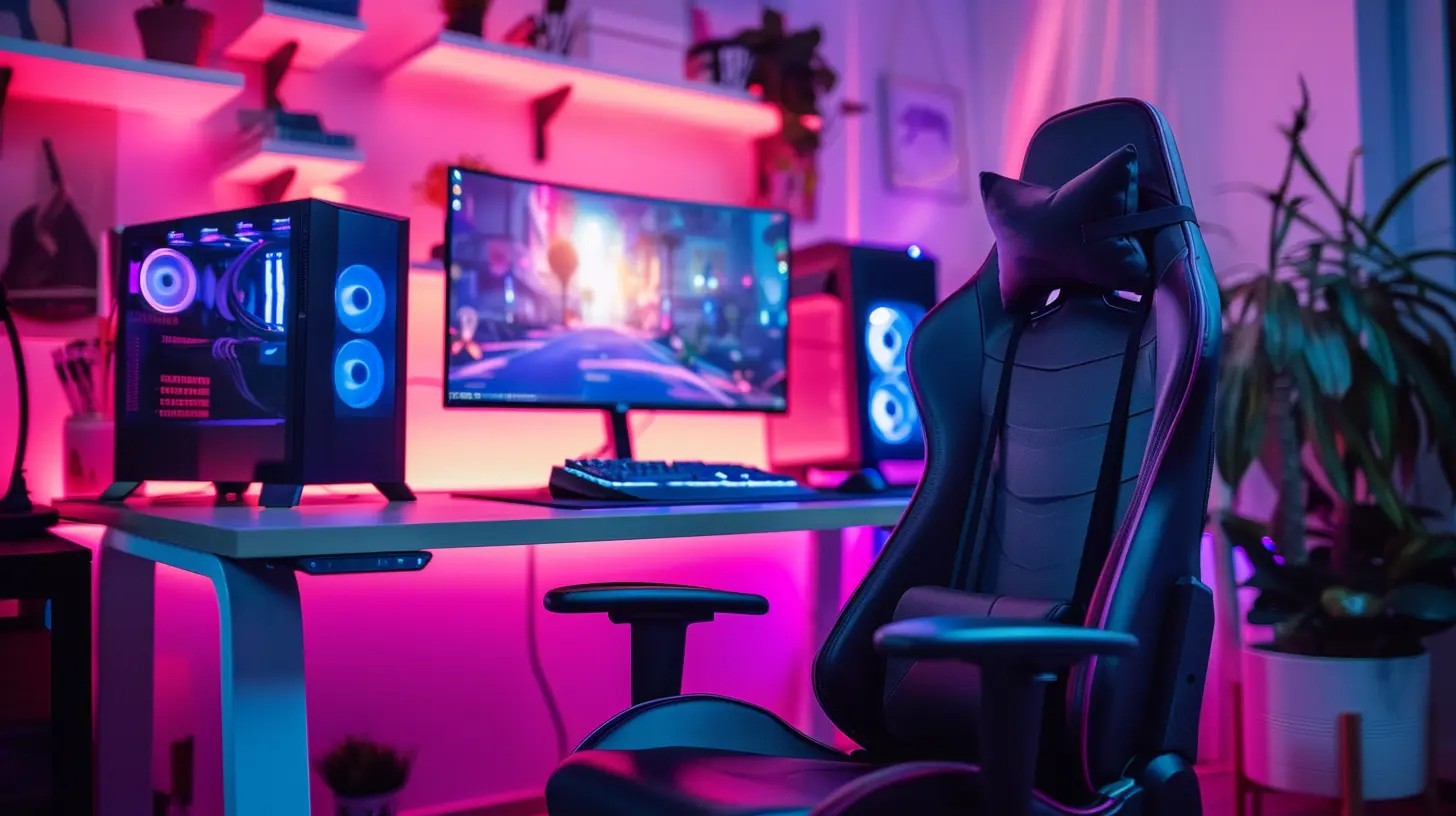
1. Start With the Basics: Adjust Your Chair Settings
You’d be surprised how many people never adjust their chair after taking it out of the box. Big mistake.? Customize the Height
Your feet should rest flat on the ground (or on a footrest), and your knees should be at a 90-degree angle. This keeps your lower back from being overloaded.? Tweak the Armrests
Are your shoulders scrunched up or dangling like spaghetti? Adjust the height, width, and angle of the armrests so your elbows rest gently while your arms stay relaxed.? Recline the Backrest
A slight tilt (usually between 100° to 110°) helps reduce pressure on your spine. Lean back and relax, but not so far that you’re basically horizontal.? Set the Lumbar Support
Some chairs have built-in lumbar pillows or adjustable support. Use it! It fills the curve in your lower back, preventing slouching.Think of these settings as your chair’s default loadout. You want the “best stats” for comfort and performance.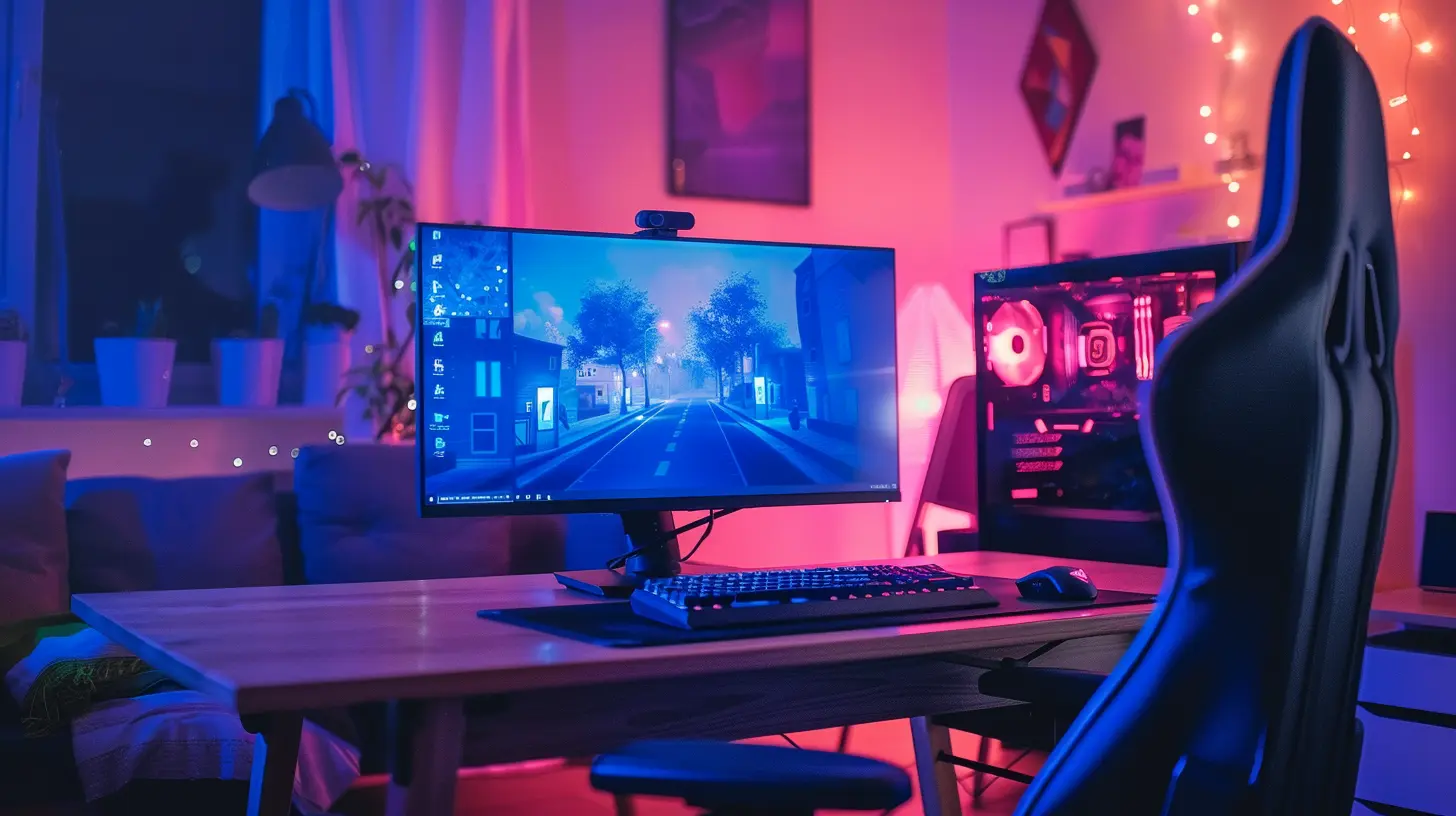
2. Add Extra Lumbar and Neck Support
Let’s be real—most stock lumbar and neck pillows are about as useful as a wet tissue in a boss fight.? Upgrade the Pillows
Invest in memory foam or gel-based cushions. They mold to your body and offer way better support.Look for options with:
- Adjustable straps (so they stay in place)
- Breathable covers
- Ergonomic design
You’ll feel the difference, especially during those marathon gaming sessions.
? Pro Tip:
If you’re crafty, you can even DIY your own support cushions using memory foam and some basic sewing skills. Level up your chair and your craftiness at the same time!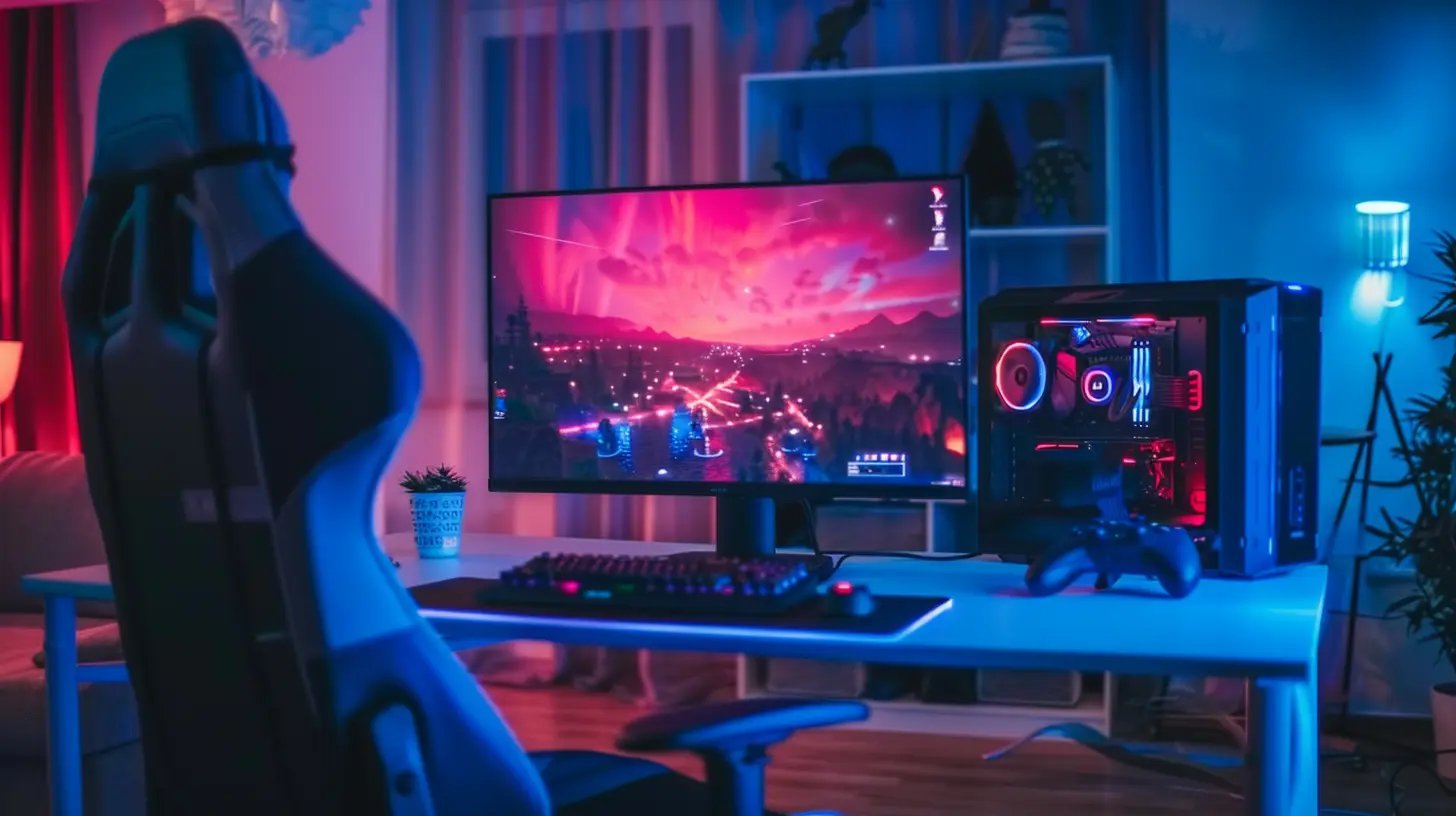
3. Bring in a Footrest for Full-Body Relaxation
Ever wonder why reclining on a couch feels so much better than sitting in a chair? It’s the foot elevation, my friend.A footrest helps relieve tension in your lower body and improves blood circulation. Especially if your feet don’t rest comfortably on the floor, this is a must-have.
? Options to consider:
- Ergonomic foot cushions
- Height-adjustable footrests
- Fancy ones with massage rollers (because why not?)
You wouldn’t skip leg day—don’t skip leg comfort.
4. Upgrade the Seat Cushion
That thin, pancake-flat chair cushion just ain’t cutting it. If your butt falls asleep before you do, it's time for an upgrade.Cushion Types To Consider:
- Memory foam cushions (classic choice)- Gel-enhanced cushions (cooling and comfy)
- Wedge cushions (for posture support)
Look for ones with a U-shaped cutout—that design helps take pressure off your tailbone.
Just like in racing games, having the right pressure distribution can make or break performance.
5. Go Full Luxury With Heating and Cooling Pads
Feeling extra? Why not turn your gaming chair into a temperature-controlled throne? Hear me out.? Heating Pads
Perfect for winter nights or sore muscles. Grab one with adjustable heat settings and automatic shut-off (safety first!).❄️ Cooling Gel Pads
Great for hot summers or naturally warm gamers. These pads help reduce sweating and discomfort.Gaming should be sweaty because of the action, not your back sticking to the seat.
6. Add a Massage Feature (Yes, Really!)
Yup, you can hack your chair into a massage chair.There are aftermarket massage cushions that strap onto your gaming chair. Many come with remote control settings for:
- Rolling massages
- Vibration modes
- Heat therapy
Some models even target specific zones like lumbar or upper back. Plug it into a wall socket or a USB port, and boom—relaxation while raiding.
7. Style Meets Comfort: Choose the Right Fabric
No one wants a chair that feels like a plastic slip-n-slide after a few intense matches. The material of your gaming chair can seriously impact comfort.Here’s the lowdown:
? PU Leather
- Sleek and stylish- Easy to clean
- Can get hot during long sessions
? Fabric
- Breathable- Comfier for all-day use
- Harder to clean
? Mesh
- Super breathable- Modern look
- Slightly less padding
If your chair’s material isn’t cutting it, consider using slipcovers or custom fabric wraps. Some Etsy shops even sell covers designed specifically for popular gaming chair brands.
8. Light It Up With LEDs (Optional but Awesome)
While this isn’t directly about comfort, mood lighting does affect how relaxed and focused you feel. Think about how you feel in a well-lit game room vs. a fluorescent-lit basement.You can add:
- LED strips on the base
- RGB lighting under the seat
- Backrest glows controlled via smartphone apps
It’s like your chair is saying, "Let’s win this," in bright, colorful confidence.
9. Organize Your Space for Comfort
It’s not just the chair—it’s your entire battle station. A cluttered, chaotic space makes you tense. A clean, ergonomic setup makes you zen.Tips for Optimizing Your Layout:
- Keep your monitor at eye level- Use a keyboard tray to reduce wrist strain
- Add a side table for drinks/snacks
- Use cable organizers to prevent tangles and frustration
When everything is in its place, your gaming experience levels up instantly.
10. Personalize It—Because You Deserve It
Finally, make it yours. Add patches, decals, custom paint jobs, or whatever shows off your personality. After all, this is your chair—your space, your zone.Your chair should be as unique as your in-game character. Why settle for generic?
You can:
- Customize headrest embroidery
- Add themed covers (Halo, Zelda, etc.)
- Install cup holders or mini shelves
- Even mount speakers on the headrest
If your gaming chair doesn’t scream “You,” then it’s not complete yet.
Wrapping It Up: Your Throne Awaits
So there you have it. Customizing your gaming chair for extra comfort isn’t just about luxury—it’s about well-being, performance, and enjoying what you love without aches and pains crashing the party.Start small. Adjust settings. Add a cushion here, a footrest there. Before long, you’ll be sitting in the ultimate comfort zone where wins come easy and vibes stay high.
Comfortable gamers are happy gamers. And happy gamers? Well, they’re unbeatable.
all images in this post were generated using AI tools
Category:
Gaming ChairsAuthor:

Brianna Reyes
Discussion
rate this article
2 comments
Elena Hahn
Transforming your gaming chair into a personal throne can elevate your playtime experience. With the right adjustments, from lumbar support to armrest height, every gaming session can feel like a dream. Don't settle for less-maximize your comfort and power up your performance. Your game deserves it!
August 10, 2026 at 3:28 PM
Garrett Moses
Give your chair a makeover! A comfy seat means more epic gaming nights... let the fun begin!
May 27, 2026 at 4:40 PM
Brianna Reyes
Great idea! A comfy chair can truly elevate the gaming experience. Time to get creative!