How to Get the Most Out of Your Gaming Chair Features
5 June 2026
Let’s be real for a second—if you’ve dropped serious cash on a gaming chair, you’re not just buying a seat. You’re investing in a throne worthy of your late-night raids, sweaty ranked matches, and caffeine-fueled marathons. But here’s the thing: most people use their high-end gaming chair like it’s a regular office chair. A crime? Maybe. A tragedy? Absolutely.
So, if your gaming chair is just sitting there looking pretty without strutting its feature-packed stuff, we’re changing that today. Pull up a chair (or stay in the one you’re in), grab a snack, and let’s break down how to truly game like royalty.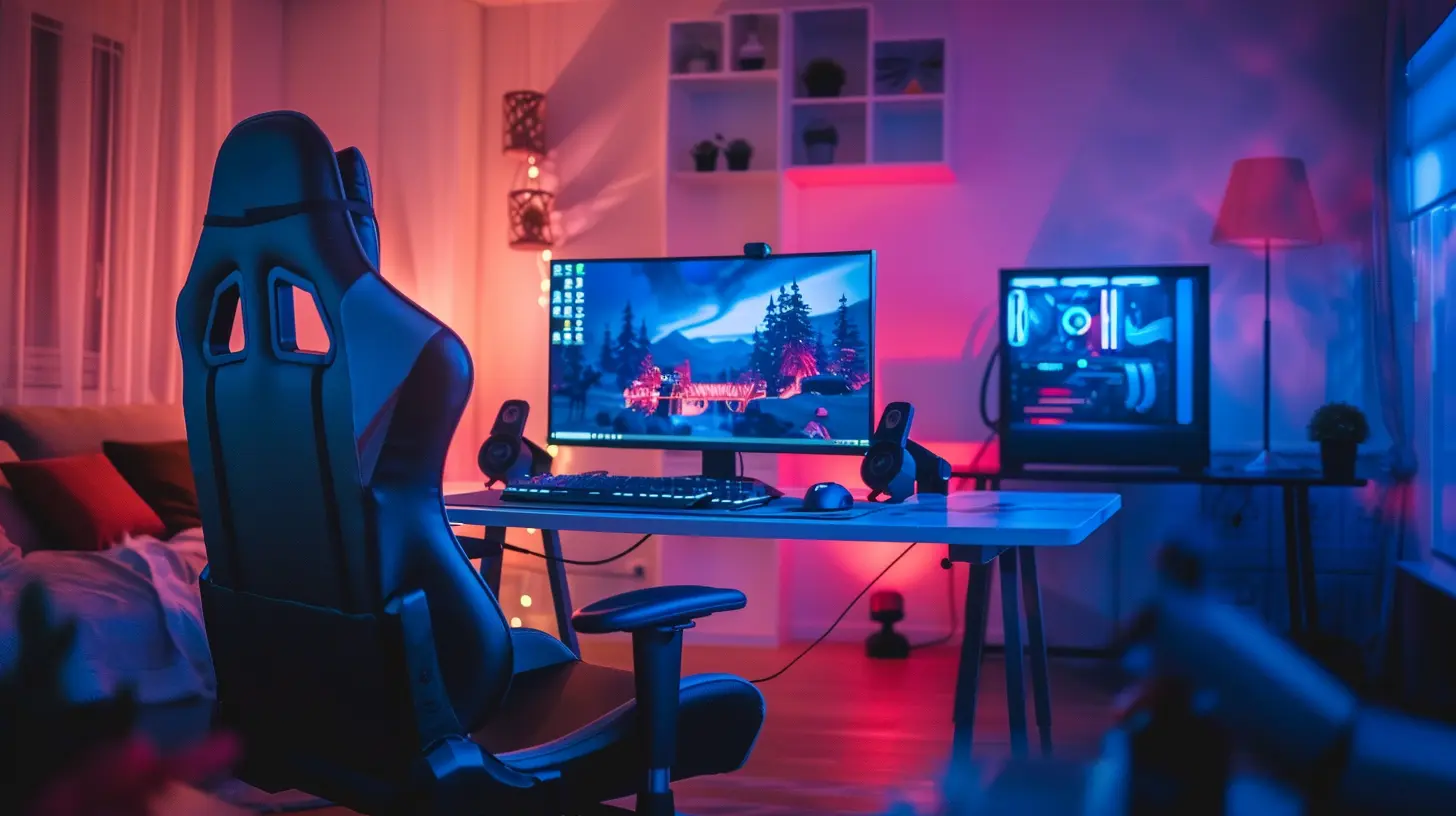
Why Your Gaming Chair Features Matter More Than You Think
You wouldn't buy a sports car and never take it out of first gear, right? Well, the same logic applies to your gaming chair. These things are packed with ergonomic goodies and comfort-maxing features designed to keep your body supported and your gameplay strong.Gaming chairs aren’t just for aesthetics (although the RGB lighting doesn’t hurt). They’re about posture, performance, and not waking up feeling like you just got body-slammed by your own spine.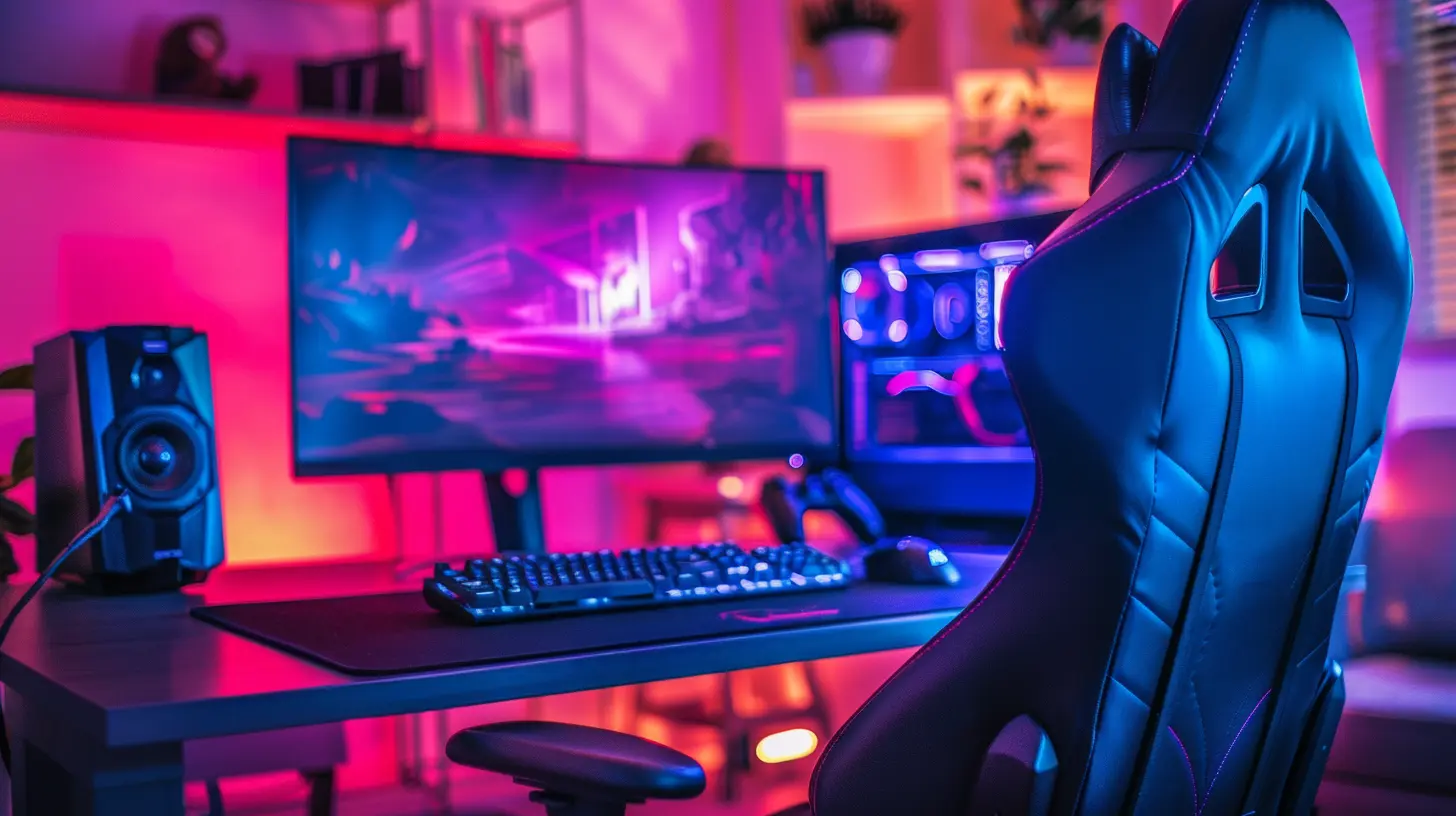
1. Adjust That Height Like a Boss
Let’s start with the basics. That lever underneath your seat? It’s not just there for dramatic exit slams when you rage-quit.? Why it matters:
If your feet aren’t flat on the floor or your knees are higher than your hips, your body's alignment is already out of whack. That could mean lower back pain, poor blood circulation, and a slow descent into desk-bound madness.? Pro tip:
Adjust the height so your thighs are parallel to the floor, feet flat, and eyes level with the middle of your monitor. It’s like setting up your rig in god mode—start strong from the ground up.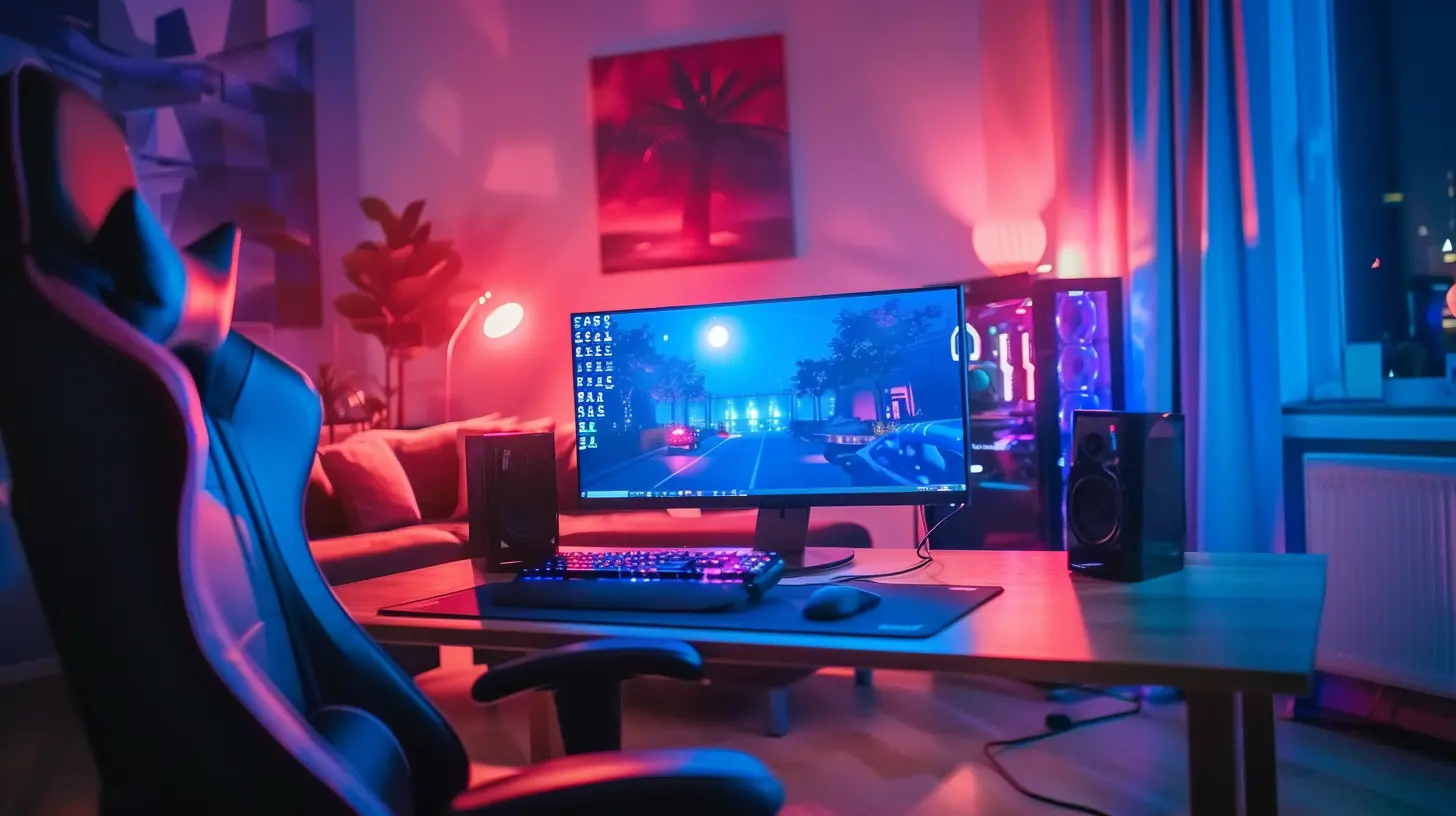
2. Lean Back (But Not Too Far)
Your chair’s reclining feature isn’t just for post-match naps (though we fully support that). Reclining can reduce pressure on your lower back and improve blood flow when used correctly.?️ How to use it right:
- Use the recline during load screens or cutscenes.- Combine with a footrest if your chair has one.
- Don’t go full 180° during competitive matches—you’ll lose more than just your rank.
? Fun fact:
A 100-110 degree recline angle is considered the ergonomic sweet spot. It keeps your spine happy without turning your posture into a lazy S-curve.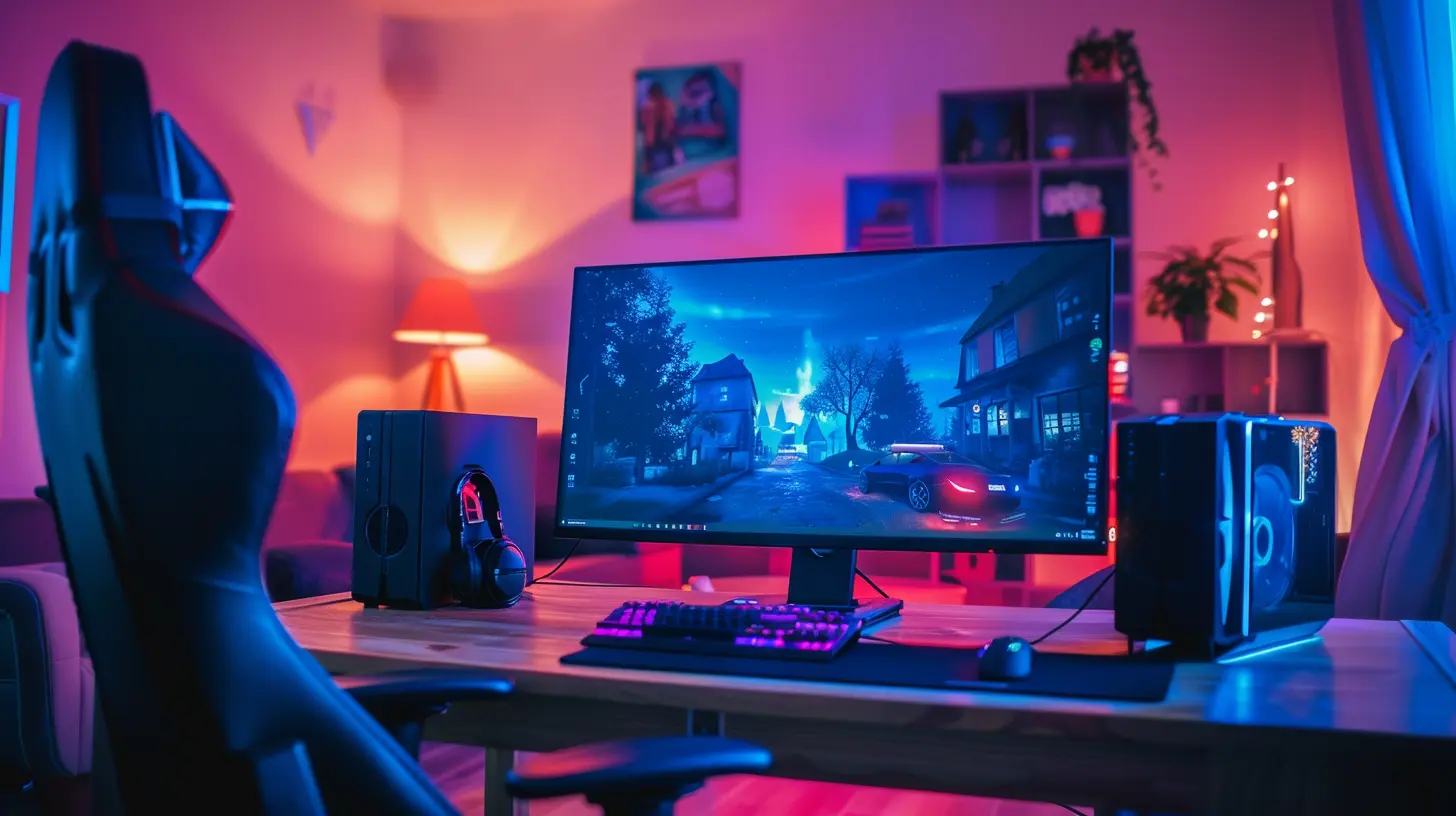
3. Armrests: The Underrated MVPs
Ah, armrests—the sidekicks that no one appreciates until their wrists start crying. Most gaming chairs now feature 3D or 4D adjustable armrests that can move up/down, sideways, forward/backward, and even pivot.?️ Why it’s a game-changer:
Having your arms at the right angle relieves tension from your neck, shoulders, and wrists. That’s huge when you’re grinding ranks for six hours straight (no judgment).? How to dial it in:
- Keep elbows bent at 90 degrees.- Rest your forearms lightly without pressure.
- Align them parallel to your keyboard and mouse—like swans gliding on a lake, not chickens flapping in panic.
4. Lumbar Support—Your Back’s New Best Friend
The lumbar support might be the single greatest invention since sliced bread—or at least since wireless controllers.Whether it’s a built-in adjustable pad or a detachable cushion, this feature is your spine’s first line of defense. It fills the gap between your chair and your lower back, keeping your spine in natural alignment.
? What’s the magic ratio?
When the support is adjusted just right, you’ll feel like your back is being hugged by a cloud. You shouldn’t have to hunch or overextend—just sweet, sweet ergonomic bliss.5. The Headrest Isn’t Just for Napping
Most gamers overlook their headrest like it’s just there for show. But getting your head position right is key to maintaining neck and upper back health.? Head positioning 101:
- Your monitor should be at eye level.- Rest your head naturally—don’t crane your neck forward like a curious turtle.
- Use the headrest for support during longer sessions or casual gameplay.
Trust me, your neck will thank you later. No more waking up the day after raid night feeling like you slept in a cargo crate.
6. The Tilt Tension Knob—The Hidden Gem
Ever feel like your chair either flings you backward or refuses to move at all? That’s where the tilt tension knob underneath your chair makes all the difference.? Use it to:
- Adjust how easily the chair leans back.- Find that sweet spot between "catapult" and "concrete slab".
- Create a rocking motion for when you're brainstorming or thinking (aka daydreaming between matches).
It’s not flashy, but it’s low-key one of the most satisfying tweaks once you nail it.
7. Materials Matter: Leather vs. Mesh vs. Fabric
Sure, your chair might look like it’s ready for takeoff with its high-back spaceship vibe. But what it's made of actually matters more than you'd think.? Let’s break it down:
- PU Leather: Sleek and stylish, easy to clean, but can get sweaty in summer (you know what I mean).- Mesh: Breathable and cool, perfect for long sessions, but lacks the comfy plush feel.
- Fabric: Soft and cozy, great for winter months, but a bit harder to clean (snack stains beware).
Pick the one that matches your playstyle and climate. A chair that complements your living space is like gear that gives you a buff in every round.
8. Footrest Features: Not Just for Streamers
Footrests used to feel like a fancy streamer-only luxury. But now? They're the unsung hero of comfort-first gaming.? Why you’ll love it:
- Helps with circulation.- Relieves lower back pressure.
- Gives you a spot to stretch out during cutscenes or breaks.
Plus, let’s be honest, propping your feet up mid-battle just feels cooler.
9. RGB Features: Because Why Not?
Sure, RGB lighting doesn’t exactly enhance your posture, but it does enhance your vibe. And that counts for something.? Why it’s more than just eye candy:
- Sets the mood for different games.- Makes your setup pop in photos and streams.
- Lets you flex on your friends in Discord. (Don’t pretend that’s not part of the fun.)
Sync it with your rig, match it with your keyboard, and embrace the glow—it’s your command center, after all.
10. Maintenance Tips to Max Out Lifespan
Want your chair to keep supporting you like the gaming soulmate it is? You’ve gotta take care of it.? Easy maintenance checklist:
- Wipe it down weekly (especially if you snack often).- Check bolts and screws every few months.
- Don’t over-recline or force adjustments.
- Avoid leaving it in direct sunlight—it’s a chair, not a tanning bed.
Treat your chair right, and it’ll return the favor with years of comfort-filled sessions.
Bonus: Customize for Your Own Power-Up
The best way to get the most out of your gaming chair? Make it yours.- Add memory foam cushions if you need extra support.
- Use a lumbar heating pad during winter months (ultimate cozy unlock).
- Throw on a themed cover or your favorite esports team logo for personality points.
Your chair isn’t just part of your setup—it’s part of your identity as a gamer. Make it as unique as your loadout.
TL;DR: Unlock the Full Potential of Your Gaming Chair
Let’s recap this epic quest:- Adjust your height like a pro.
- Use recline wisely (not just for naps).
- Set your armrests for ergonomic wins.
- Hug your spine with proper lumbar support.
- Don’t ignore the headrest. Seriously.
- Tame the tilt tension knob.
- Choose the right material for your playstyle.
- Embrace the footrest life.
- Sync with RGB for ultimate vibes.
- Maintain it like it’s your prized gaming artifact.
Your gaming chair isn’t just furniture—it’s your in-game advantage, your out-of-game support system, and quite literally the seat of your power. Don’t let those features go to waste. Use them, love them, and game on like the legend you are.
all images in this post were generated using AI tools
Category:
Gaming ChairsAuthor:

Brianna Reyes
Discussion
rate this article
1 comments
Barbara Rocha
Level up your comfort game! A great chair can turn long sessions into a cozy adventure. Adjust those features like a pro, and you'll be ready for epic victories without the ache... Happy gaming!
June 20, 2026 at 4:45 PM