Cross Platform Peripherals and Compatibility Guide
17 July 2026
If you're a gamer, you’ve probably faced this dilemma: You’ve got an awesome headset, a responsive mechanical keyboard, or the perfect controller—but switching between your PC, Xbox, PlayStation, or even your Switch? That's where the headaches begin. Compatibility issues, drivers, wireless support—ugh, it's like trying to solve a Rubik’s cube blindfolded.
But don’t stress. We’ve got your back with this Cross Platform Peripherals and Compatibility Guide. Whether you’re a console loyalist, a multi-platform enthusiast, or a PC-only hero who occasionally dabbles on a Switch, we’re going to break it all down for you.
Ready to navigate the jungle of wires, dongles, and Bluetooth connections? Let’s dive in.
? What Are Cross Platform Peripherals, Anyway?
Before we get too deep, let's get one thing clear: What exactly are cross platform peripherals?In simple terms, these are accessories—like controllers, keyboards, mice, headsets, etc.—that work across different gaming systems. No need to buy three different headsets for your PS5, Xbox Series X, and gaming PC. One headset to rule them all? That’s the dream.
But here's the deal. Not all peripherals play nicely with every platform out of the box. Some need adapters, some need firmware updates, and some just scream, “Nope, not compatible!”
So, knowing what works with what is kinda like knowing which Pokémon to use in battle—super effective combinations can make all the difference.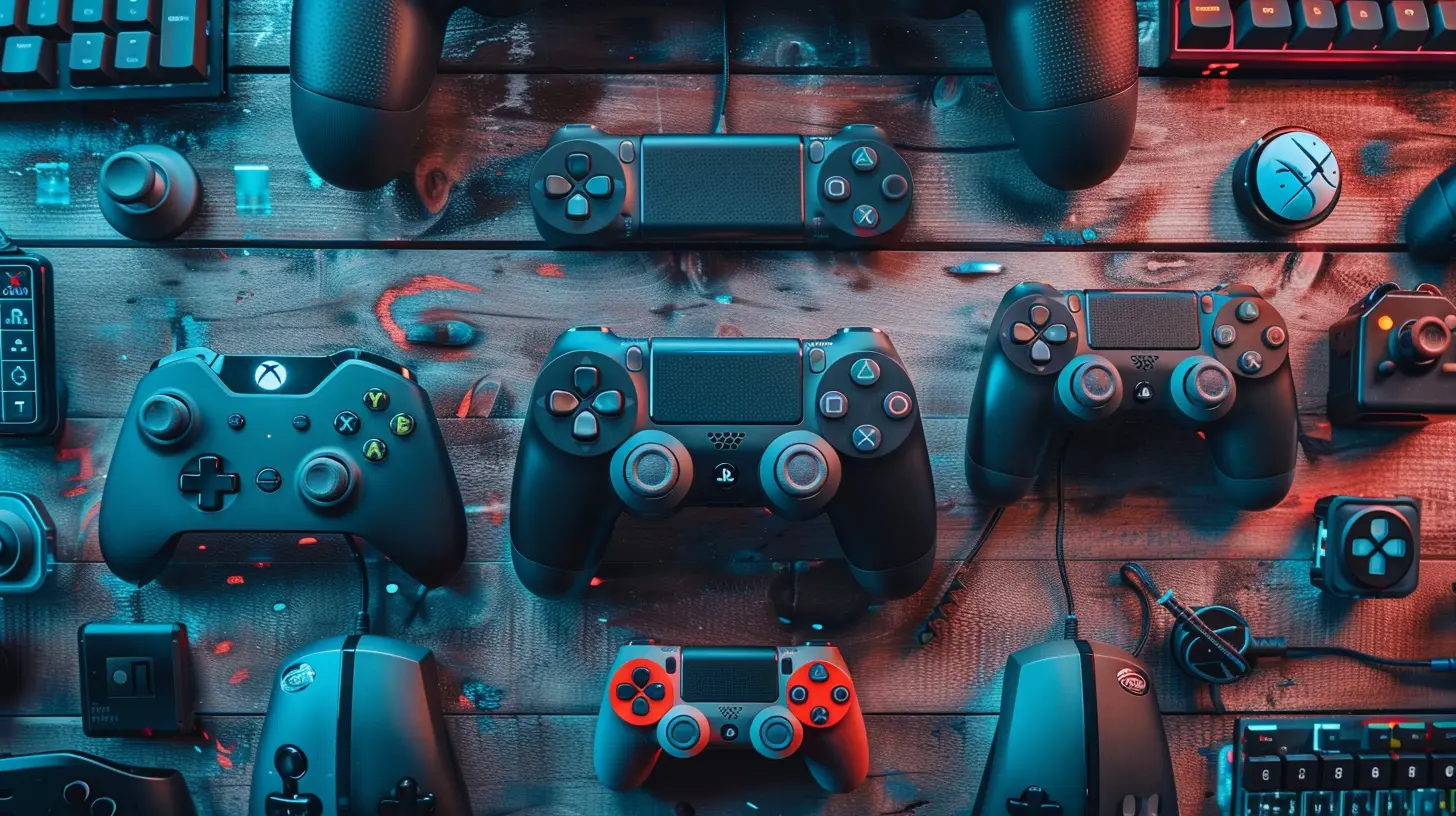
? Controllers: The Backbone of Cross-Platform Gaming
1. Xbox Controllers – The King of Compatibility
Let’s be honest. If there's a gold standard for cross-platform controller compatibility, it’s the Xbox controller. Whether it’s the Xbox One or the newer Series X|S version, these controllers are practically plug-and-play on Windows PCs.Why? Microsoft makes both the console and Windows—it’s a natural match.
Works with:
- Xbox Series X|S
- Xbox One
- Windows 10/11 PCs
- Android (via Bluetooth or USB-C)
- iOS (with recent updates)
Why it rocks:
Wireless, great ergonomics, and native support on PC games via Xbox API.
Any Cons?
On PS5 or PS4? Forget it. Sony has its walls up.
2. DualShock 4 & DualSense – Stylish But Selective
Sony’s controllers are slick, especially the PS5’s DualSense. Adaptive triggers, haptic feedback, and all that jazz. Unfortunately, when it comes to cross-platform use, they’re a bit picky.DualShock 4 Works with:
- PS4
- Windows PC (via DS4Windows or Steam)
- macOS
- iOS
- Android
DualSense (PS5 Controller) Adds:
- PS5
- PC (limited functionality unless game supports advanced features)
What’s annoying?
Sony doesn’t officially support DualSense on PS4. Kind of a snub, right?
3. Nintendo Switch Pro Controller – Great for the Switch, Decent Elsewhere
The Nintendo Switch Pro Controller is super comfy. But like most things Nintendo, it’s a bit... quirky when used outside its ecosystem.Works with:
- Nintendo Switch
- Windows PC (via Steam)
- Android (with tinkering)
Not so hot with:
- PlayStation or Xbox consoles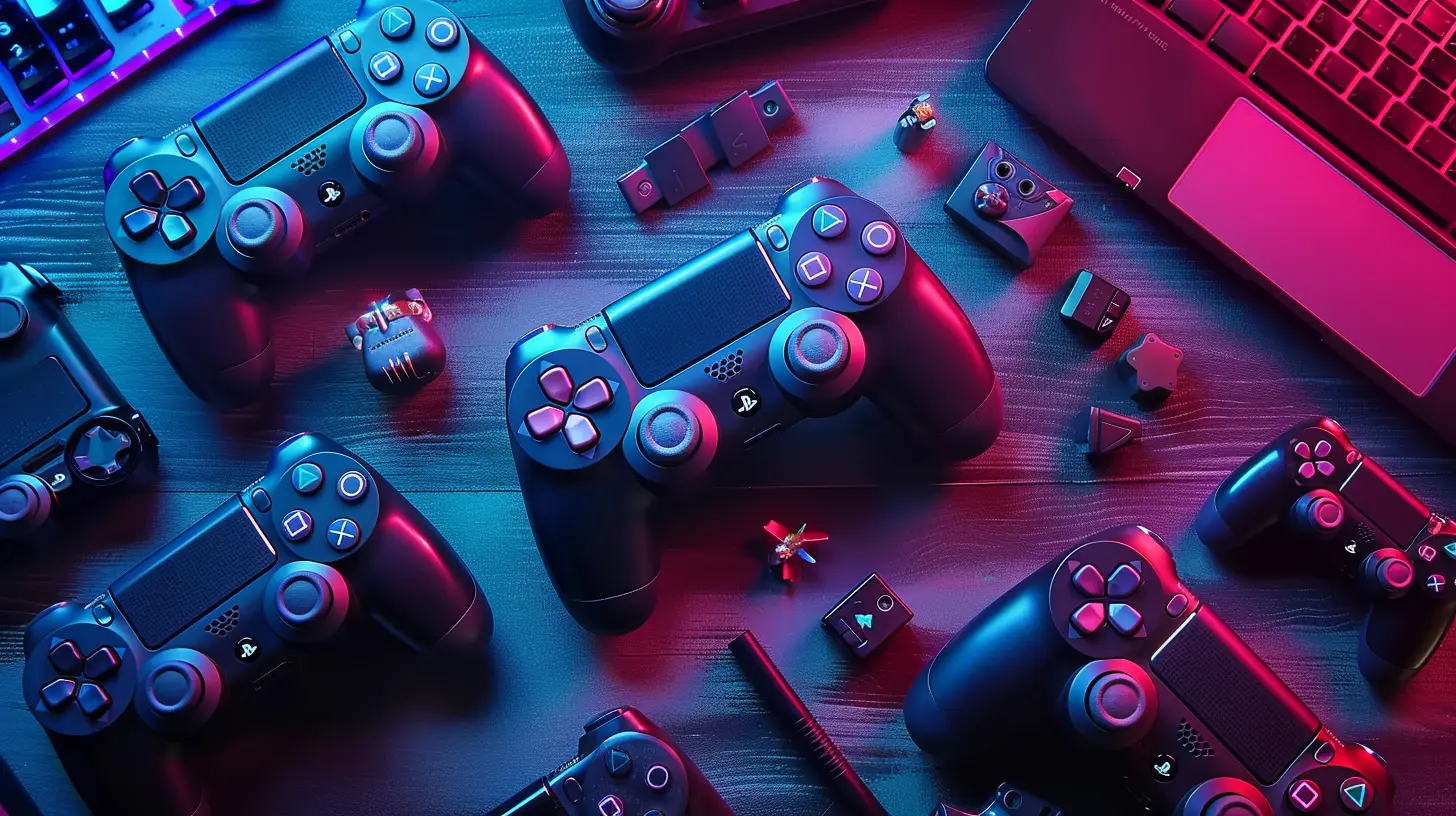
? Keyboards and Mice: Not Just for PC Anymore
We all know the holy trinity of PC gaming includes a solid keyboard and a precise mouse. But what about using them on consoles?1. Keyboard & Mouse on Consoles – Is It Really a Thing?
Actually, yes. More and more games now support keyboard and mouse inputs on consoles—especially on Xbox Series X|S. Think of it like bringing a lightsaber to a nerf gun fight.Xbox:
Native support in many games (like Fortnite, Warframe, and Call of Duty). Just plug in via USB and you’re good.
PlayStation:
PS5 supports keyboards and mice too—but again, only for specific games.
Nintendo Switch:
It’s a no-go unless you find workarounds or use adapters.
2. Wireless vs Wired – Which Is Better?
- Wired: Plug it in, instant reaction, no battery drama. Still king for competitive gamers.- Wireless: Cleaner desk, more freedom—but risk of input lag and battery issues.
If you're into precise shooters, wired might still be your jam. Casual gaming? Wireless will do the trick.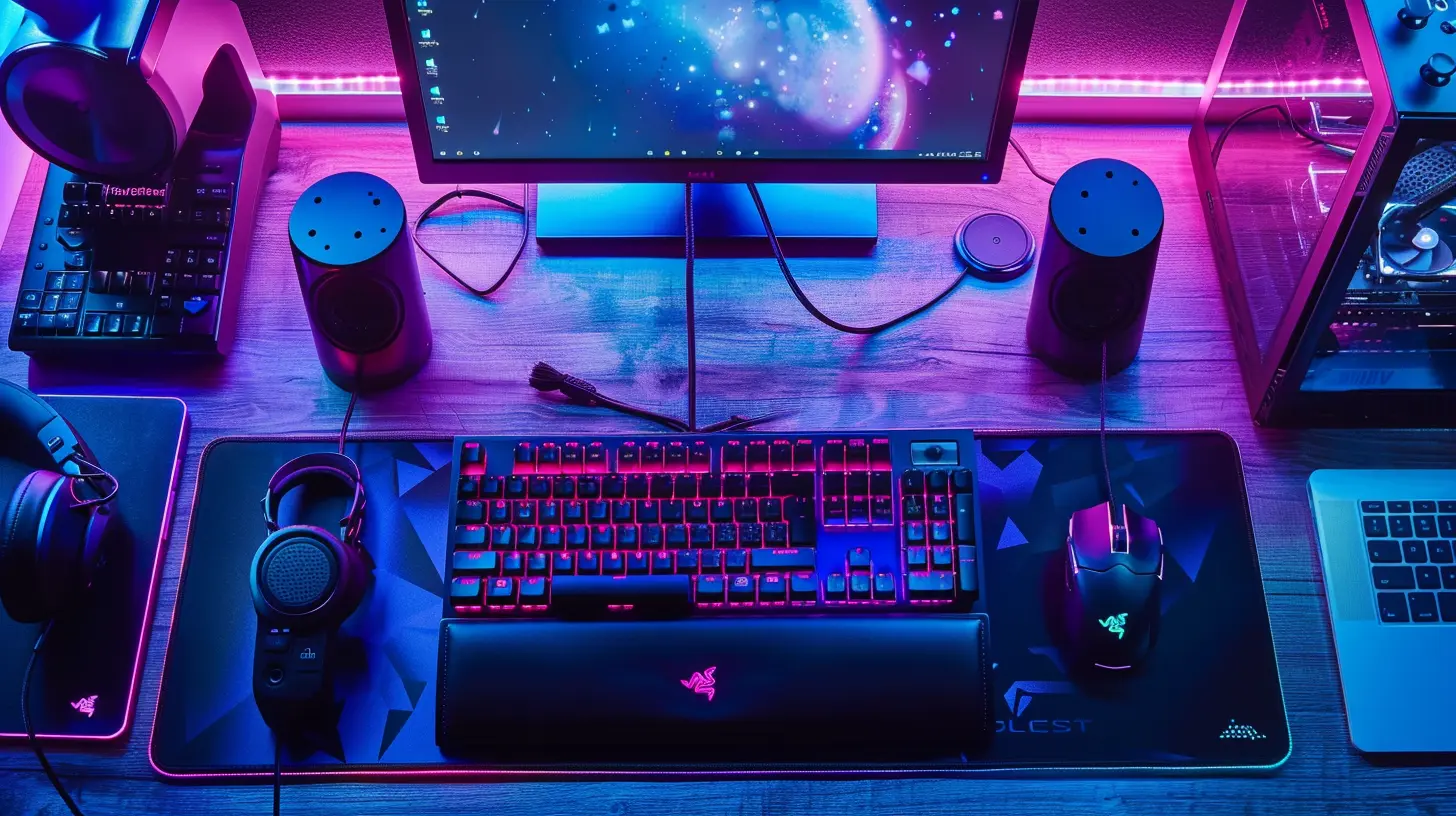
? Headsets: One Size Rarely Fits All
When you’re gaming, communication is key—and you definitely don’t wanna miss your squad yelling “Behind you!” because your mic isn’t working.1. 3.5mm Jack – Old Reliable
Ah, good ol' 3.5mm. This universal port is supported by pretty much everything—PCs, consoles, even your toaster if it had a headphone port.Pros:
- Plug and play
- Works on most controllers
Cons:
- Lower audio quality
- No extra features like surround sound
2. USB and Wireless Headsets
These are where things get dicey. A USB headset that's plug-and-play on Windows might not work at all on your PS5 or Xbox. Why? Different OS, different drivers.USB Headsets:
Great for PC and PS5, but Xbox often doesn’t support them (unless it's Xbox-licensed).
Wireless (Proprietary Dongles):
Some work with PC + one console. Rarely all three.
Bluetooth:
Most consoles shun Bluetooth, especially for microphones. It's not as universal as you'd think.
Best Bet for Compatibility?
Look for headsets that specifically advertise "Multi-Platform Support." Brands like SteelSeries, Turtle Beach, and Razer offer models that come with multiple cables or dongles to switch between platforms.?️ Adapters and Workarounds: They Can Save the Day
Have a peripheral you love but it doesn't work on your new console? Don’t rage quit yet—adapters might save the day.1. Controller Adapters (Game-Changers)
Devices like the Cronus Zen, Brook Super Converter, or Titan Two let you use practically any controller on any system. Xbox on PlayStation? PS4 controller on Switch? Game on.But here's the catch:
- They can be pricey
- Some may be banned in competitive play
- Firmware updates can be finicky
2. KVM Switches (Keyboard/Mouse Joy!)
If you're switching between a work PC, a gaming PC, and a console—constantly unplugging gear is a hassle. A KVM switch can let you use one keyboard and mouse across several devices. One button press = system swap.?️ Software Solutions: Sometimes It's All About the Drivers
Peripherals these days are like moody teenagers—without the right driver software, they just won’t cooperate.On PC:
Always install the manufacturer’s software—whether it’s Razer Synapse, Logitech G Hub, or SteelSeries Engine. This unlocks the full power of your device (macros, RGB, DPI settings, etc.).On Consoles:
You don’t get driver control. What you see is what you get. That’s why accessories built specifically for consoles often give a smoother experience.Pro tip: If you’re buying a new peripheral, check what software it uses and whether it's available for Mac, PC, or mobile.
⚔️ Cross Platform Peripheral Picks That Work (Mostly) Everywhere
If you’re in the market and you're tired of compatibility nightmares, here are some top picks:? Headset: SteelSeries Arctis Nova Pro Wireless
- Works with PC, PS5/PS4, Xbox (via switchable base station)- Great mic and audio quality
- Pricey, but worth every penny
? Controller: Xbox Series X Controller
- The all-rounder- Plays nice with Windows, Android, and Xbox
- Comfortable, familiar layout
? Keyboard: Logitech G915 TKL (Wireless)
- Low latency wireless- Works across PC and many console setups with USB dongle
- Slick design and durable
? Mouse: Razer Basilisk X Hyperspeed
- Dual connectivity (USB + Bluetooth)- Wide support across PC, Android, and more
? Final Thoughts: Choose Wisely, Game Seamlessly
If you’re hopping between platforms like Mario jumps on Goombas, it pays to think ahead before buying peripherals. Always check compatibility charts, look for multi-platform labels, and prioritize flexibility.And hey, don’t be afraid to try adapters or software solutions. They're the duct tape of the gaming world—maybe not pretty, but they get the job done.
Want hassle-free gear? Stick with big brands that brag about cross-platform support. Trying to force a PS5 headset to work on your Xbox? That’s like trying to fit a square peg in a round port.
So what’s in your setup? Let us know in the comments with your favorite cross-platform gear!
all images in this post were generated using AI tools
Category:
Cross Platform GamingAuthor:

Brianna Reyes