Creating the Ultimate Mobile Gaming Setup
19 February 2026
Gaming has evolved. It's no longer just about beefed-up desktops, flashy RGB keyboards, or next-gen consoles. These days, some of the most intense gaming experiences fit right into your pocket. Yep, we’re talking about mobile gaming — small screen, big potential. But if you’re really serious about gaming on your phone, then just the device isn’t enough. You need the ultimate mobile gaming setup to take your play from casual swipes to full-blown domination.
Let’s break down everything you need to create a powerful, comfortable, and immersive mobile gaming experience whether you're grinding in Call of Duty: Mobile, building in Fortnite, or unlocking epic characters in Genshin Impact.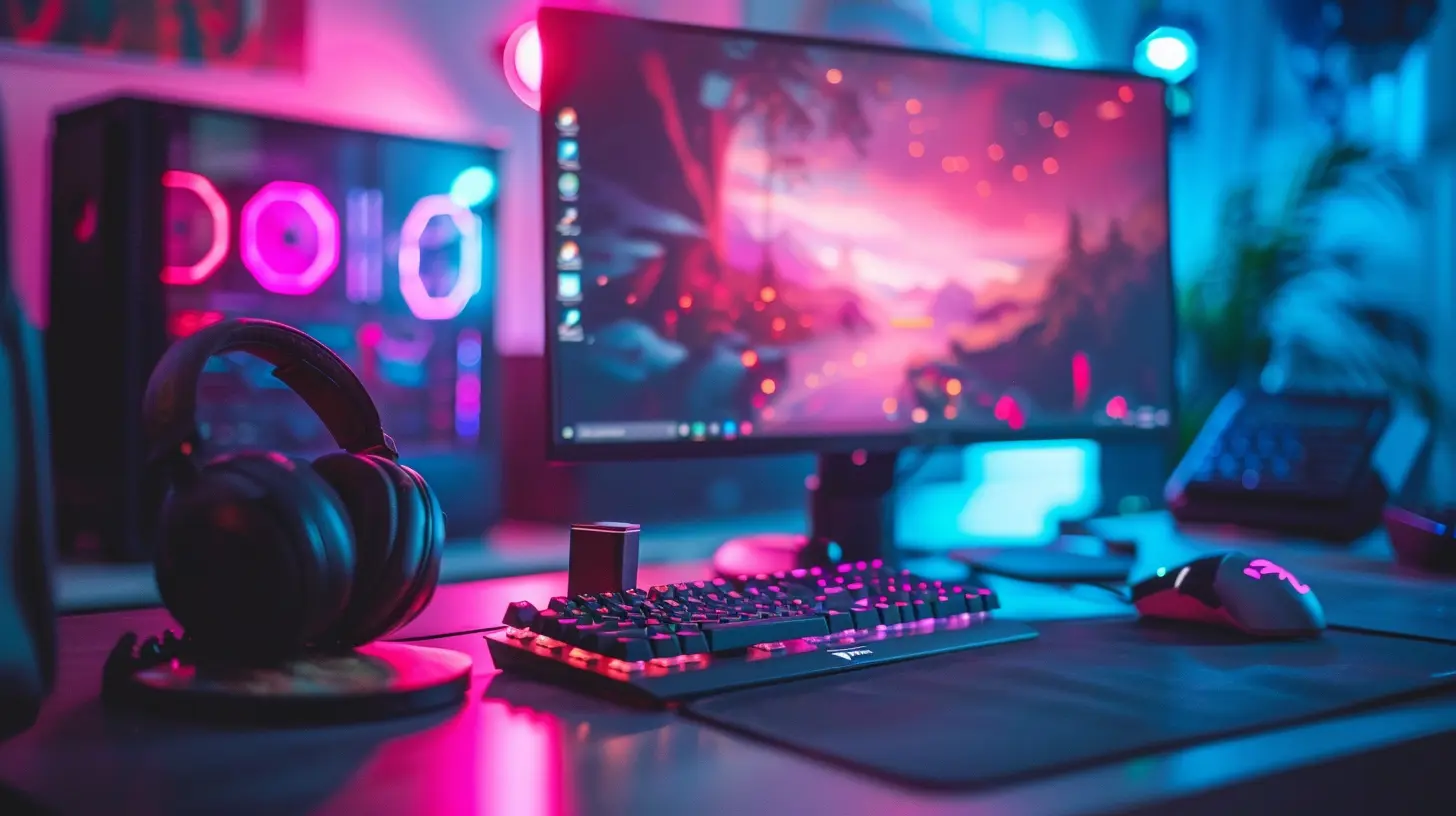
Why Create a Mobile Gaming Setup?
Before we dive into gear and gadgets, let’s clear up one thing — why bother?Sure, your phone alone can play games. But for high performance, comfort during long sessions, and giving yourself a competitive edge, a proper setup makes a massive difference. Think of it like cooking: you can make a decent meal with just a pan, but if you have the right tools? You're Gordon Ramsay.
Whether you're a casual player or an aspiring esports champ, this guide helps you transform your gaming corner (or couch) into a mobile powerhouse.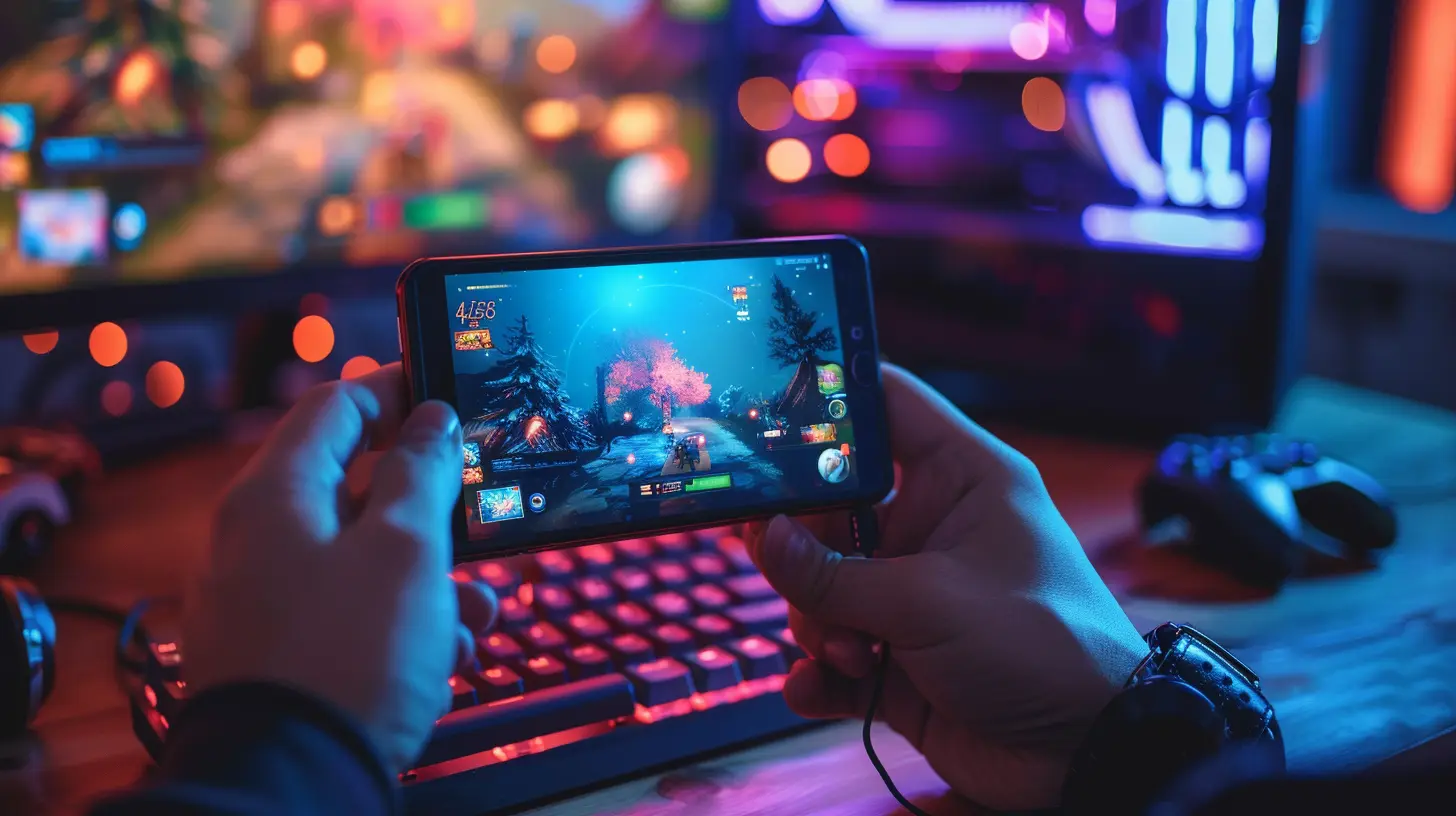
Step 1: Choosing the Right Mobile Gaming Device
🧠 It Starts with the Brain — Your Phone or Tablet
The foundation of any mobile gaming setup is your device. Not all phones are created equal, especially when it comes to gaming. Here’s what matters most:- Processor (CPU/GPU): Aim for devices with Snapdragon 8 Gen 1 or Apple’s A16 Bionic chips. These offer top-tier performance.
- RAM: At least 6GB, but 8GB+ is better for high-end games.
- Refresh Rate: A 90Hz or 120Hz screen can make animations feel buttery smooth.
- Cooling: Devices with built-in cooling (like the ASUS ROG Phone or RedMagic phones) will save you from lag sprees.
💡 Pro Tip: If you play a lot of resource-heavy games, go for gaming-focused phones. They come loaded with bonus features like trigger buttons, performance modes, and aggressive cooling systems.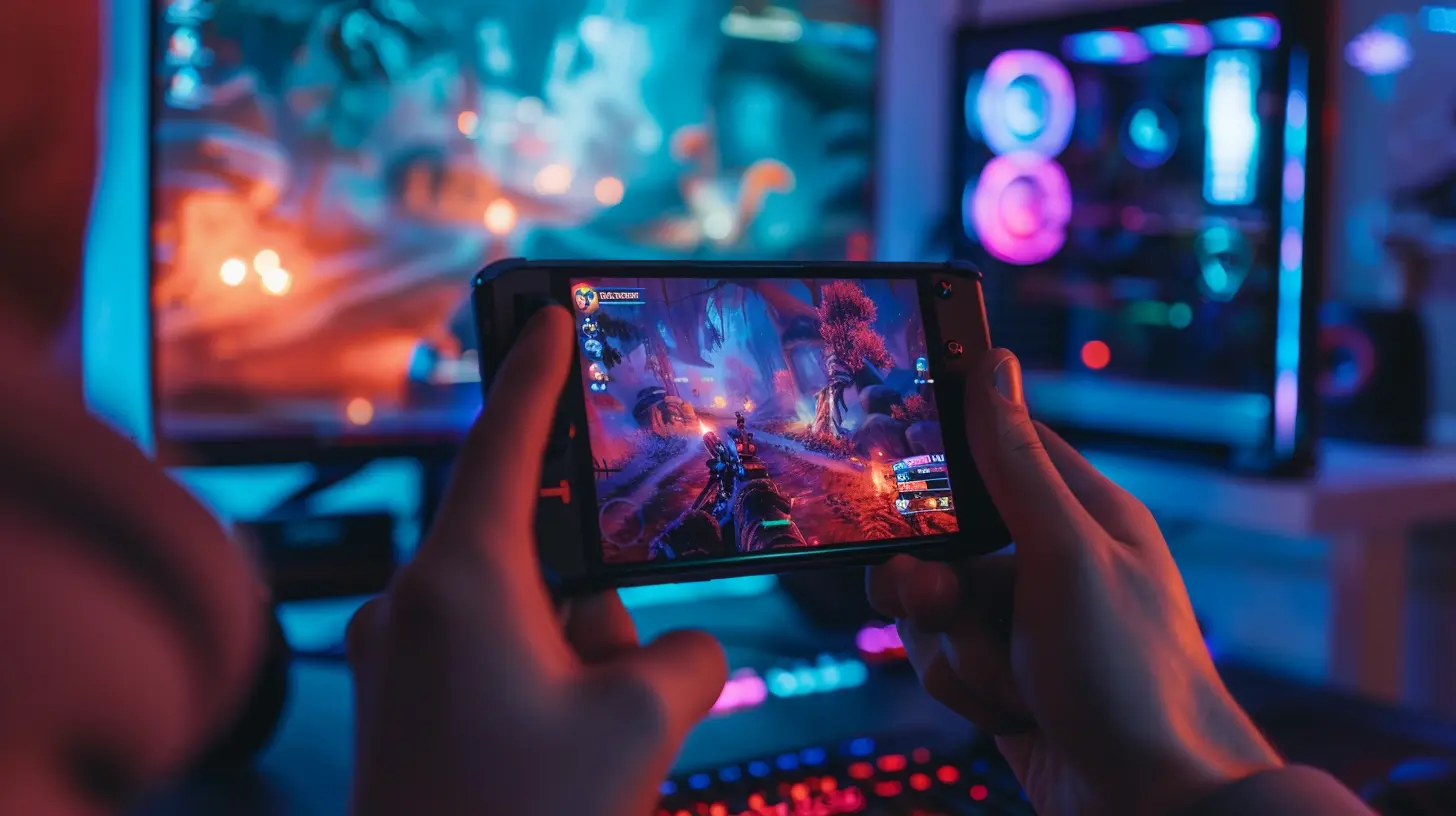
Step 2: Get a High-Quality Mobile Controller
Touchscreens are fine for puzzles or casual games, but if you're serious about playing FPS, racing, or action-packed RPGs, you’ll want a controller.🎮 Best Mobile Controllers (As of 2024)
- Backbone One (for iPhones): Snaps on like a Nintendo Switch. Super portable, great feel.- Razer Kishi V2: Works with Android and iPhones, sleek design with zero-latency gameplay.
- 8BitDo Pro 2: Bluetooth controller that’s great for cross-platform play (mobile + PC/Nintendo).
Using a controller just feels right. It's like upgrading from a tricycle to a Ducati.
Step 3: Get Yourself a Comfortable Phone Grip or Stand
Gaming equals hours of screen time, and holding your phone for too long can feel like arm day at the gym. Your hands begin to ache and cramp, and that's a major buzzkill.🤲 What to Look for in a Grip or Stand:
- Ergonomic design: Contoured to fit your hands- Cooling support: Built-in fans or ventilation are major pluses
- Angle adjustments: So your neck isn't snapping from bad angles
Some great options include the GameSir F7 Claw or Lamicall Adjustable Phone Stands. They won’t just make your sessions comfier — they reduce fatigue so you can game longer.
Step 4: Prioritize a Solid Internet Connection
If your lobbies are laggy and your ping is shooting up like it's on a trampoline, you’re not gaming — you’re suffering.📶 Tips for Lag-Free Mobile Gaming:
- 5GHz Wi-Fi Band: Faster and more stable than 2.4GHz.- Wi-Fi 6 Router (or newer): Can handle multiple devices better.
- Mobile Data? Use 5G if it's available. It's surprisingly good for gaming these days.
- Ping reducers: Some VPNs (like ExitLag or WTFast) optimize gaming traffic.
No one wants to be the laggy guy in a squad. Be the MVP, not the liability.
Step 5: Sound Is Half the Experience — Get Quality Audio Gear
Footsteps in PUBG, echoes in Monument Valley, or voice comms with your team — sound matters. And yes, your phone speakers don’t cut it.🎧 Best Audio Options for Mobile Gamers:
- Wired Earbuds: Zero latency. Look for high-quality ones like the Razer Hammerhead Duo.- Bluetooth Earbuds: Newer models, like the Sony WF-1000XM5 or AirPods Pro 2, have reduced latency and great sound.
- Over-Ear Headphones: For ultimate immersion. SteelSeries Arctis Nova 7 or Razer Barracuda are top picks.
- In-Game Chat Mics: Make sure your headset includes a good mic if you're playing team games.
Good sound helps you win — it’s like hearing danger before it sees you.
Step 6: External Battery Packs — Because Power is Everything
Gaming drains your battery faster than a sinkhole swallows a parked car. You need backup.🔋 Must-Have Power Options:
- High-Capacity Power Banks: Look for 10,000mAh or higher. Anker, Aukey, and Baseus make solid ones.- Pass-Through Charging: So you can play while charging.
- Cooling Battery Cases: Keep your phone charged and cool at the same time — two birds, one geeky stone.
Never let low battery ruin your killstreak again.
Step 7: Cooling Accessories
If your phone gets hot enough to fry an egg, it’s time to cool things down. Heat kills performance, drains battery faster, and can even shorten your phone’s life.❄️ Cool Gadgets to Keep Things Chill:
- Clip-On Fans: Like the Black Shark FunCooler or Razer Phone Cooler.- Cooling Pads: Great for when gaming on a table.
- Thermal Gel Pads: Slap on the back of your phone for quick cooling without active fans.
Playing hot may sound cool, but literally playing hot? Not so much.
Step 8: Set the Mood — Lighting and Ambience
Hear us out — it’s not just aesthetics. The right lighting can reduce eye strain and increase focus.💡 Gaming Vibes Checklist:
- RGB LED Strips: Place behind your desk or headboard.- Blue Light Filters: Activate Night Mode or install an app.
- Ambient Lamps: Soft lighting keeps your room cozy.
Bonus? Your setup now looks like a gaming cave straight out of a sci-fi flick.
Step 9: Cloud Gaming Devices — Bonus Option for Hardcore Gamers
If you prefer triple-A console or PC games but love the convenience of mobile, cloud gaming is your bridge.☁️ Best Platforms (As of 2024):
- Xbox Cloud Gaming (Game Pass Ultimate)- NVIDIA GeForce NOW
- Amazon Luna
- Steam Link (for local PC gaming on phone)
Pair your phone with a controller and a good internet connection, and you've basically got a console in your hand.
Step 10: Organize Your Setup for Portability
One of the biggest perks of mobile gaming? You can take it anywhere. But without good organization, it’s like carrying a tech jungle in your backpack.🧳 What You Need:
- Tech Organizer Bag: For cords, power banks, controllers.- Hard Shell Case: Protect your phone and gear.
- Cable Management: Velcro ties and compact charging cables make life easier.
Ready to game on the go? You are now.
Final Thoughts: Make It Yours 🎯
Creating the ultimate mobile gaming setup isn’t about spending a fortune or chasing trends. It’s about personalizing your experience so it’s smooth, fun, and immersive. From the phone you choose to the accessories you add, every part should support your gaming style — whether that’s chilling with strategy games on the couch or getting competitive in online matches.So, build your battlestation, tweak it, trial it, and most importantly — have fun with it. After all, gaming is meant to be a blast.
Now, time to grab your phone and dominate the digital playground.
all images in this post were generated using AI tools
Category:
Gamer LifestyleAuthor:

Brianna Reyes
Discussion
rate this article
2 comments
Adam McIlwain
To create the ultimate mobile gaming setup, prioritize a high-quality headset for immersive sound, a robust power bank for extended play sessions, and a comfortable, portable stand for better ergonomics. Don’t forget to optimize your device settings for performance and battery life!
February 25, 2026 at 5:36 AM
Brianna Reyes
Great tips! A high-quality headset, power bank, and ergonomic stand are essentials for an immersive gaming experience. Thanks for sharing!
Chase Hardy
Great insights on optimizing mobile gaming! The balance of hardware and comfort is key. I appreciate the emphasis on personalizing setups to enhance the gaming experience.
February 22, 2026 at 6:10 AM
Brianna Reyes
Thank you! I'm glad you found the insights valuable. Personalization really does make a significant difference in enhancing the gaming experience!