Breaking Down Graphics Card Needs for Modern Games
14 January 2026
When it comes to gaming, graphics cards are the beating heart of your rig. They’re what make your games look stunning, run buttery-smooth, and deliver the immersive experiences we all crave. But choosing the right graphics card can feel like navigating a maze—there are countless models, specs, and price points to consider. Don’t worry, though! By the end of this article, you’ll have crystal-clear clarity on what kind of GPU (graphics processing unit) suits your gaming needs.
Let’s cut through the fluff and break it all down, shall we?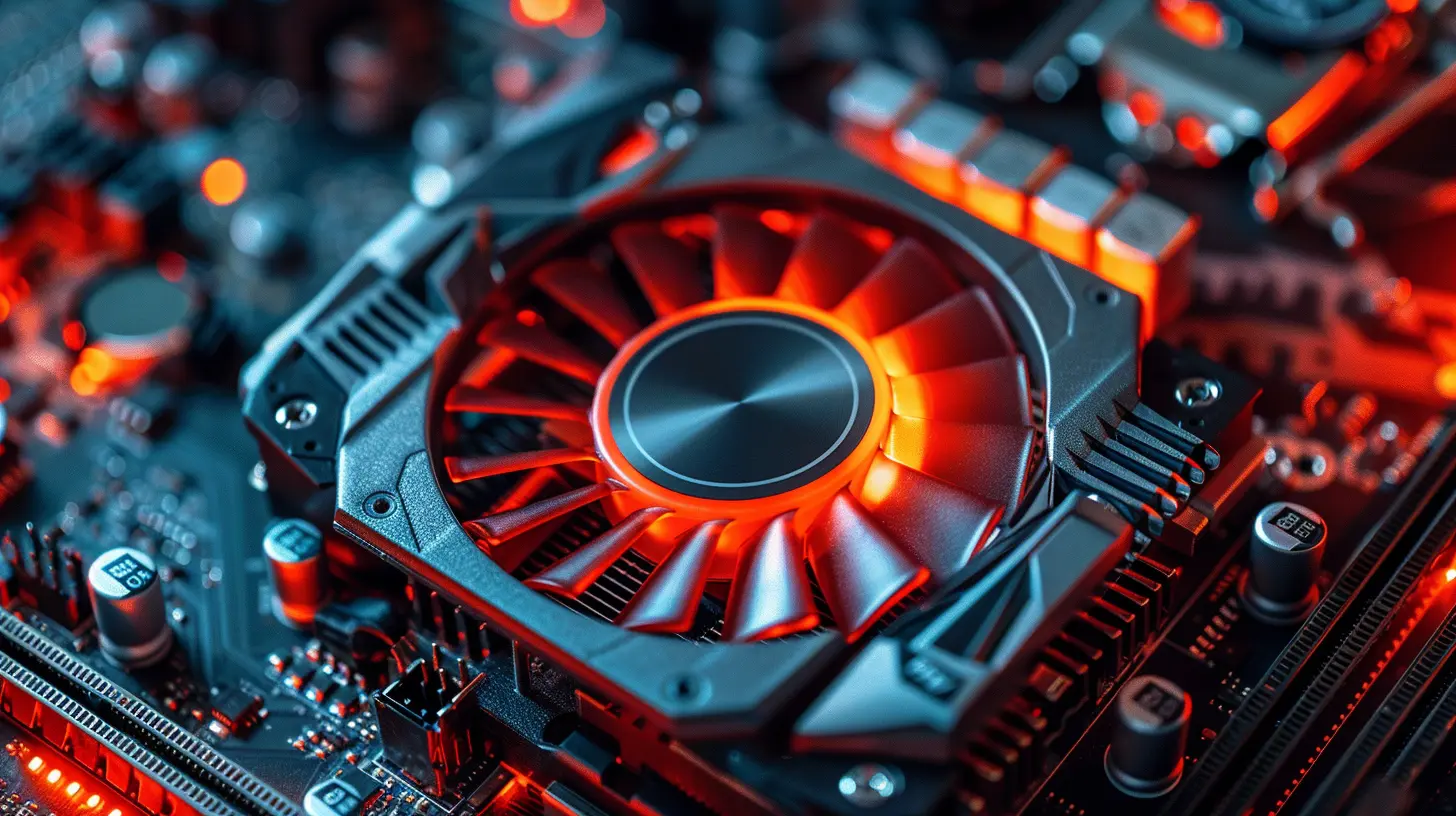
What Exactly Does a Graphics Card Do?
Before we dive into the nitty-gritty, let’s get this straight: a graphics card is like the artist of your gaming PC. It takes raw data from your CPU and transforms it into the gorgeous visuals you see on your screen. Think of it like a chef—if your CPU is providing the raw ingredients, the GPU is what cooks it into the mouth-watering dish you enjoy.Modern games demand a lot from your GPU. 4K textures, real-time lighting, ray tracing, and high frame rates all put immense pressure on your graphics card. Without the right GPU, your gaming experience could turn into a slideshow, and trust me, no one wants that!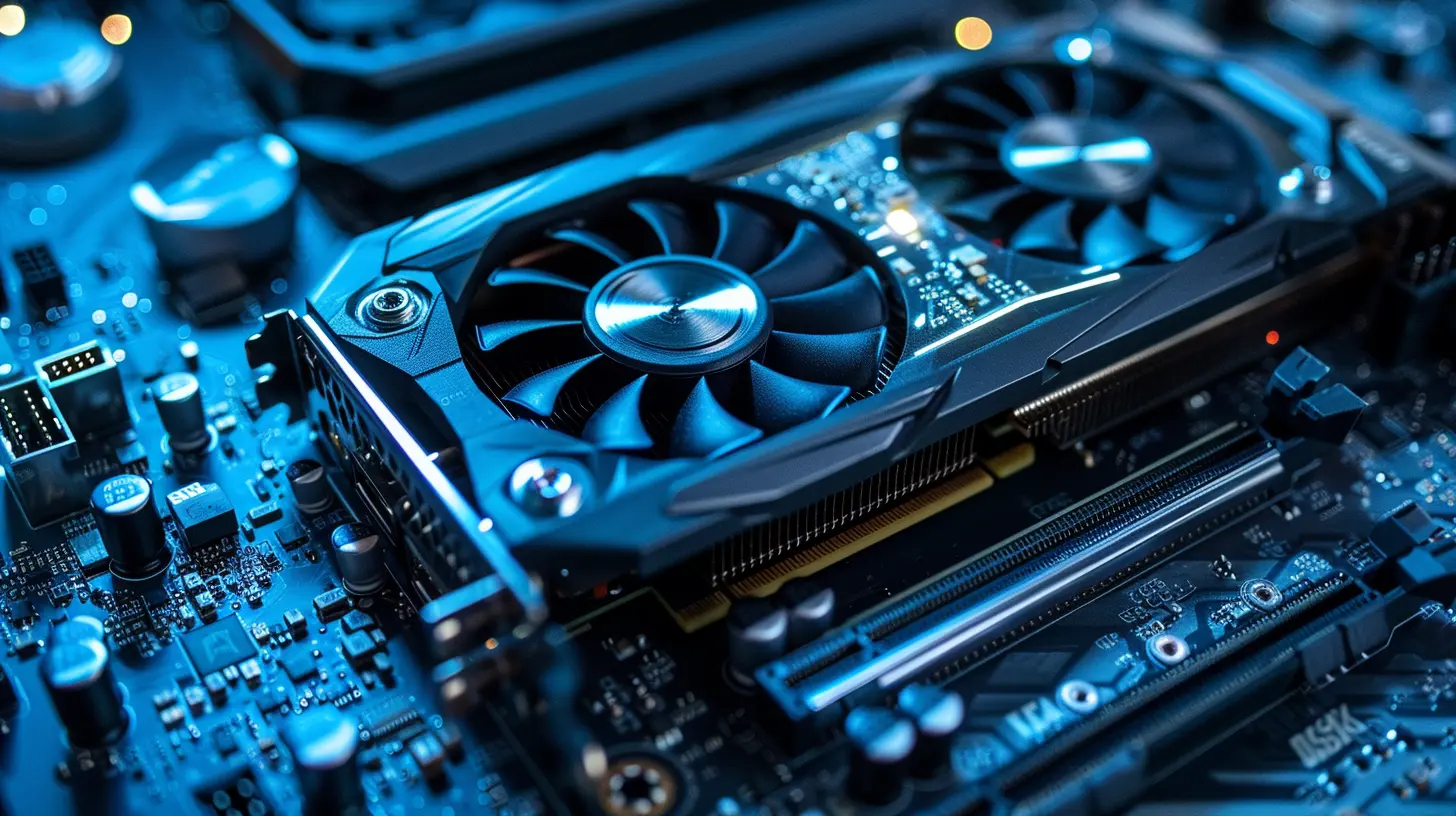
Why Do Modern Games Need Powerful GPUs?
Gaming has come a long way from the good ol’ days of 8-bit sprites and pixelated characters. Today, developers are crafting hyper-realistic worlds with lifelike characters, dynamic environments, and jaw-dropping effects. Unfortunately, all this eye candy comes at a cost: hardware power.Here are some key reasons why modern games depend on high-performance GPUs:
1. Realistic Graphics and Ray Tracing
Visuals are everything in today’s gaming world. Features like ray tracing simulate how light interacts with objects, creating reflections, shadows, and lighting that make you feel like you’re actually inside the game. But this level of realism is a nightmare for weaker GPUs. If you want smooth gameplay with ray tracing, you’ll need a GPU that’s ready to flex its muscles.2. Higher Resolutions
Gone are the days of 1080p being the gold standard. Nowadays, gaming at 1440p or even 4K resolution is becoming the norm. And while these resolutions look absolutely stunning, they’re incredibly resource-heavy. A mid-range or low-end GPU will struggle to keep up, leading to stutters and frame drops.3. Fast Frame Rates for Competitive Play
If you’re into competitive games like Call of Duty, Counter-Strike, or Fortnite, you know how important speed is. Higher frame rates (e.g., 120FPS, 240FPS) give you an edge by providing smoother animations and faster input response times. But achieving these frame rates in modern titles requires a top-tier GPU.4. Future-Proofing
Let’s be honest: games are only going to get more demanding as time goes on. Picking a GPU that’s slightly above your current needs can save you from having to upgrade in a year or two.
Matching Your GPU to Your Gaming Style
Not all gamers are created equal. Some of us are casual gamers who enjoy the occasional indie title, while others are hardcore enthusiasts who need every detail maxed out. So, what kind of GPU do you need? Let’s break it down.1. Casual Gamers
Do you stick to indie games, older titles, or less graphically demanding genres like strategy or puzzle games? Then you don’t need to break the bank on a high-end GPU. A budget or entry-level card like the NVIDIA GTX 1650 or AMD RX 6400 should do just fine.Think of these GPUs like a reliable used car: they won’t win any races, but they’ll get you where you need to go.
Recommended GPUs for Casual Gaming:
- NVIDIA GTX 1650- AMD RX 6400
- Intel Arc A380 (Great for budget builds)
2. 1080p Gamers
Gaming at 1080p is still extremely popular because it strikes a balance between visual quality and performance. If you want to enjoy modern games with medium to high settings at 60FPS or higher, you’ll need a mid-range card.Recommended GPUs for 1080p Gaming:
- NVIDIA RTX 3050 / 3060- AMD RX 6650 XT / 6700 XT
- Intel Arc A750 (a surprisingly solid contender)
3. 1440p Enthusiasts
If you’ve got a high-refresh-rate monitor and love gaming at 1440p, mid-range GPUs might not cut it. You’ll need something with a bit more horsepower. These GPUs are like sports cars—they’re fast, flashy, and capable of handling pretty much any modern game.Recommended GPUs for 1440p Gaming:
- NVIDIA RTX 3070 / 4070- AMD RX 6800 / 7700 XT
4. 4K Lovers and Hardcore Gamers
For those who want the absolute pinnacle of gaming—maxed-out settings, ray tracing, and smoothness at 4K—you’re entering premium territory. These GPUs are the Ferraris of the gaming world, and they come with price tags to match.Recommended GPUs for 4K Gaming:
- NVIDIA RTX 4080 / 4090- AMD RX 7900 XTX
Choosing Between NVIDIA, AMD, and Intel: Which Team Are You On?
There’s a bit of a rivalry going on between these three GPU manufacturers. Each has its own strengths and weaknesses, so let’s break it down:NVIDIA
- Known for cutting-edge features like ray tracing and DLSS (an AI upscaling tech that boosts frame rates).- Typically more expensive than AMD cards.
- Great for content creators thanks to CUDA cores.
AMD
- Offers fantastic performance for the price, making it a favorite for budget-conscious gamers.- Its FSR (FidelityFX Super Resolution) is a solid alternative to NVIDIA’s DLSS.
- Better raw VRAM for the price, which helps with high-resolution textures.
Intel
- A newcomer to the GPU space, but its Arc series is shaking things up with solid performance at budget-friendly prices.- Needs more driver optimizations, but shows promise.
The choice ultimately depends on your budget, the games you play, and your preferences.
Other Things to Keep in Mind
1. Compatibility
Before you swipe your credit card, make sure your PC can actually handle your new GPU. Check your power supply unit (PSU) for wattage, ensure your case has enough space, and confirm that your motherboard has a compatible PCIe slot.2. Cooling
GPUs can run hot, especially when they’re working hard. Make sure your rig has decent airflow, or consider a GPU with an advanced cooling solution.3. VR Gaming
If you’re into VR, you’ll need a powerful GPU. Something like an RTX 3070 or AMD RX 6800 is the minimum recommendation for a smooth VR experience.4. Second-Hand GPUs
The used GPU market can be a double-edged sword. While you might snag a great deal, there’s a risk of buying a card that’s been overworked (especially from crypto miners). Always test thoroughly!Conclusion: What’s Best for You?
At the end of the day, the “best” GPU for you depends on your gaming habits and budget. Are you a casual gamer who doesn’t mind toning down the settings? Or are you a hardcore enthusiast who demands the best visuals and performance? Once you figure that out, the choice becomes a lot easier.Remember, it’s not always about splurging on the most expensive card—it’s about getting the right card for your needs. And hey, if all else fails, you can always make a future upgrade.
Happy gaming!
all images in this post were generated using AI tools
Category:
System RequirementsAuthor:

Brianna Reyes
Discussion
rate this article
2 comments
Tatianna Ward
Great breakdown on graphics card requirements! It's crucial for gamers to understand that balancing performance and budget is key. Your tips on optimizing settings for different games were especially helpful. Keep up the insightful content!
January 21, 2026 at 4:47 PM
Brianna Reyes
Thank you for your kind words! I'm glad you found the tips helpful—balancing performance and budget is definitely essential for gamers. Stay tuned for more insights!
Kason Larsen
Great insights on optimizing graphics card choices!
January 14, 2026 at 5:00 AM
Brianna Reyes
Thank you! I'm glad you found the insights helpful!