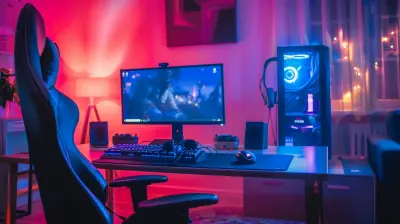
Best Gaming Chairs for Multi-Monitor Setups
5 July 2026
Let’s be honest—with multi-monitor setups becoming the gold standard in gaming and content creation, the last thing you want is a standard chair that was never built for hours of intense action, editing, or streaming marathons. You’ve finally got those dual or triple screens glowing like runway lights, but if your chair sucks? Everything else kind of follows, doesn’t it?
So, what’s the fix? A high-quality gaming chair that complements your multi-monitor setup in both comfort and functionality. Sit tight (pun intended), because we’re diving deep into the best gaming chairs for multi-monitor setups. And yeah, we’re keeping it real, so let’s get rolling.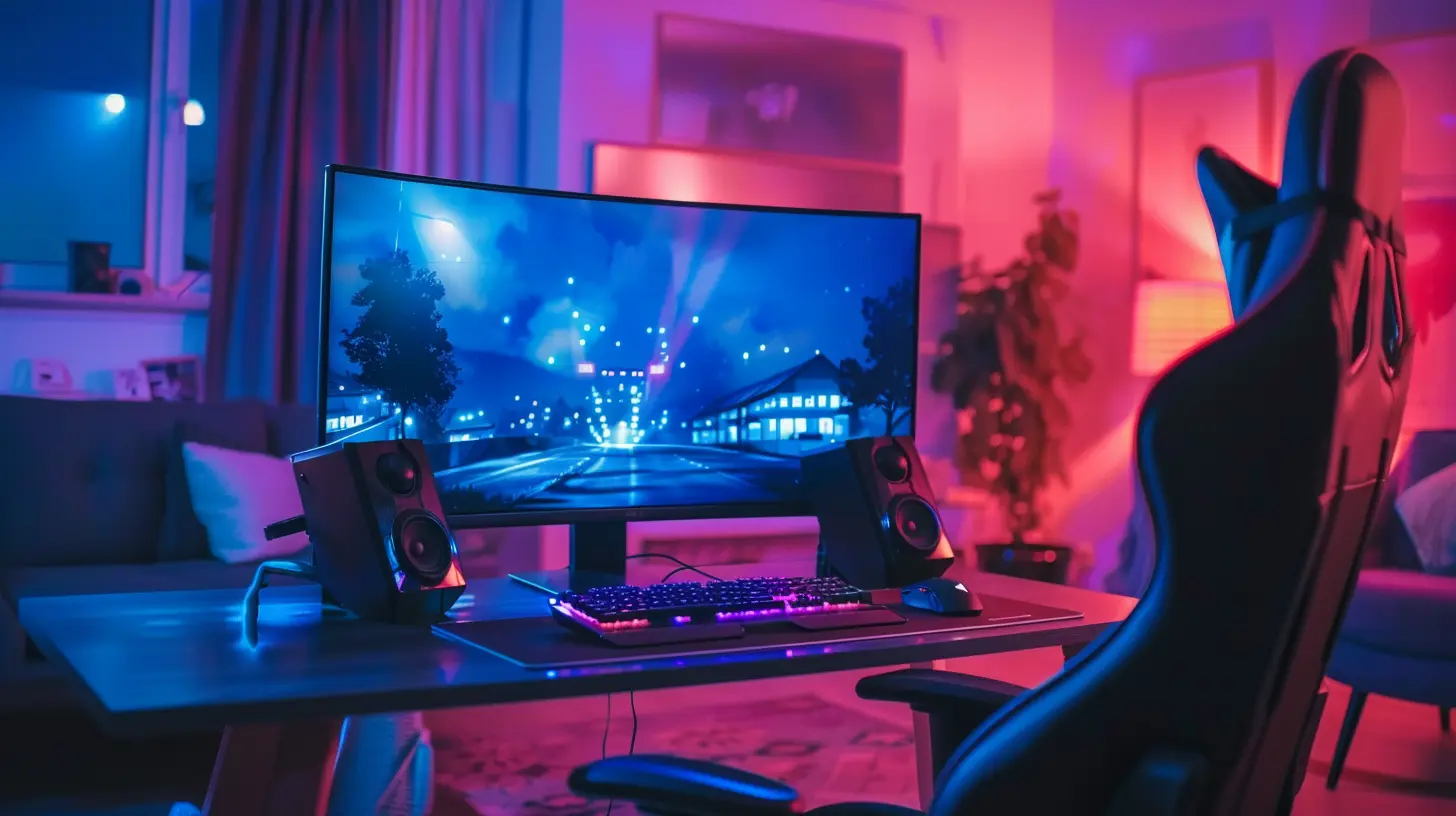
Why Your Multi-Monitor Setup Deserves a Top-Tier Chair
Before listing models and brands, let’s talk about why this matters. When you’re surrounded by multiple screens, your head naturally shifts more frequently, your body angles differently, and your posture is more dynamic than when you're parked in front of a single display.Add long gaming sessions, streaming, or editing into the mix, and you’ve got a recipe for neck cramps, back pain, and general misery—unless you have the right chair. So, whether you're locking into an hours-long Warzone session or deep-diving into Premiere Pro timelines, a proper chair becomes your throne... literally.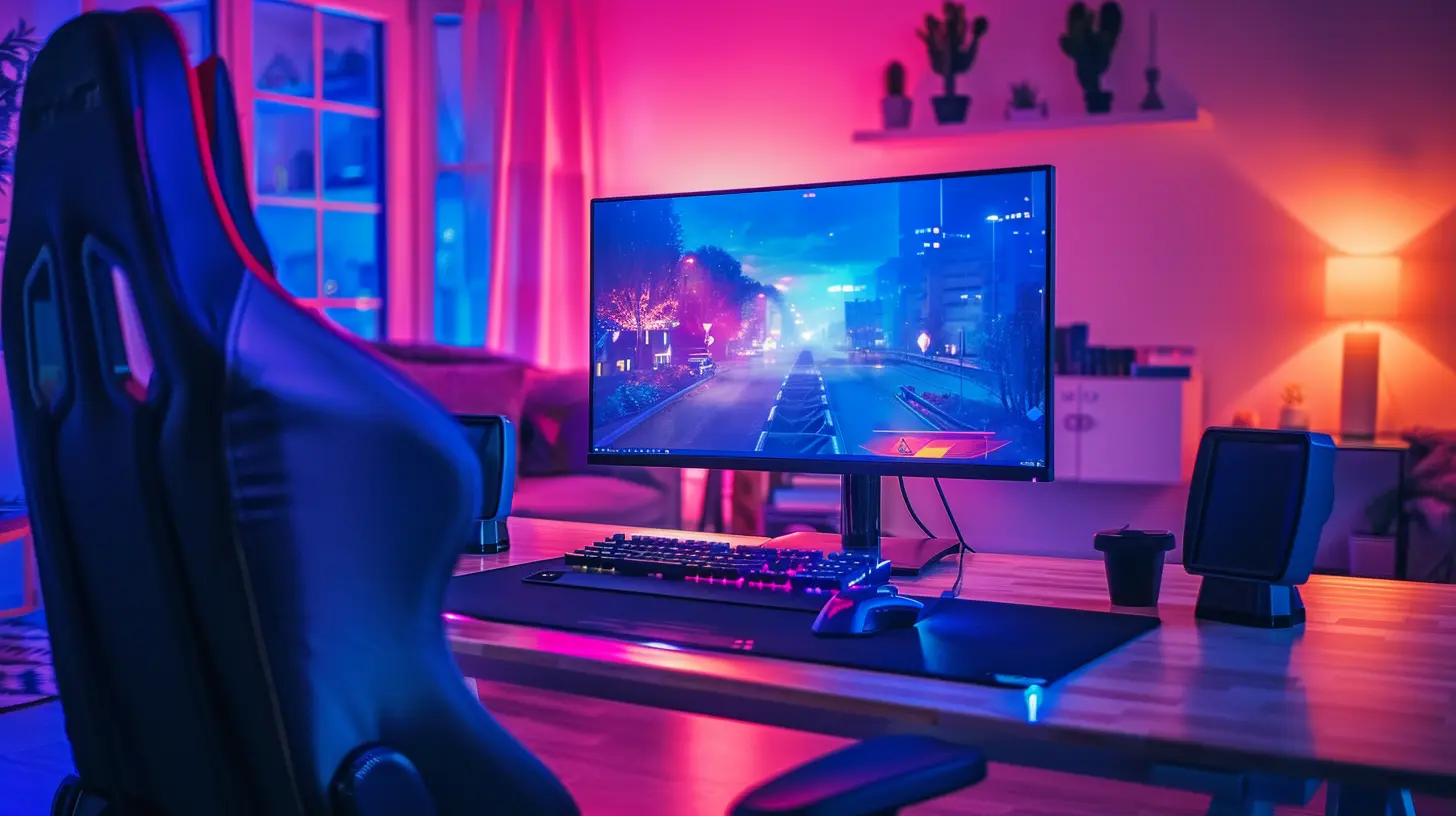
What to Look For in a Gaming Chair for Multi-Monitor Setups
Not all gaming chairs are created equal, and when it comes to multi-monitor setups, there are specific features you should absolutely be looking for.1. Ergonomic Design
Let’s face it—if your chair doesn't support your back and neck correctly, you're gonna suffer. Ergonomics is the name of the game. Look for chairs with:- Adjustable lumbar support
- Headrest pillows
- Reclining backrest
- Height and armrest adjustability
Your spine will thank you later.
2. 360° Swivel and Smooth Mobility
With multiple monitors, you’ll be turning your head and twisting constantly. A chair that swivels easily and glides like butter on the floor helps reduce strain caused by jerky or stiff movements.3. Strong Build Quality
You need something built like a tank but comfy like a cloud. Look for chairs with solid steel frames, high-density foam, and quality upholstery (think PU leather or breathable fabric).4. Wide Seat Base
Multi-monitor setups often come with big desks, right? So, cramped seating just won’t cut it. A wider seat base gives you the wiggle room you need to move around freely.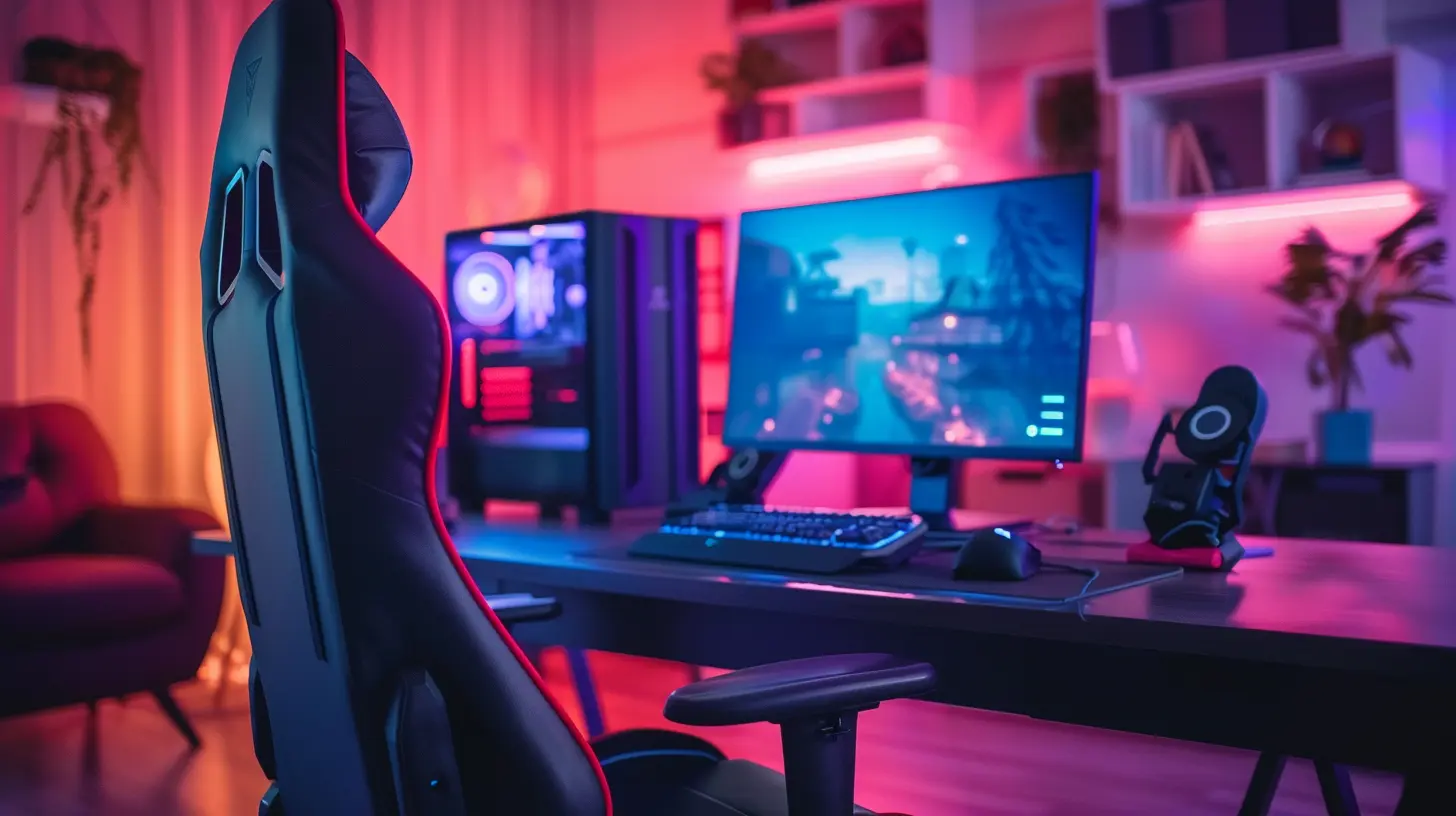
The Best Gaming Chairs for Multi-Monitor Setups
Alright, now let’s get to the good stuff. Here are some top-tier chairs that are perfect for your multi-screen kingdom.1. Secretlab TITAN Evo Series
? Best For: Premium comfort and long sessionsSecretlab’s TITAN Evo is like the Rolls-Royce of gaming chairs. It’s built for support, and let’s be real—it looks sexy behind a triple-monitor setup. The magnetic head pillow? Genius. The built-in lumbar support? A godsend.
Why it’s great for multi-monitor setups:
- Full-range recline for those “just one more match” nights
- 4D armrests for perfect keyboard-mouse angle
- Firm but cozy seat that doesn't sag over time
It ain’t cheap, but in the long run, it’s a solid investment.
2. Herman Miller x Logitech G Embody
? Best For: Long-term ergonomics and elite setupsThis one’s for the pros. Herman Miller brings office chair science, and Logitech adds gamer flair. It’s like if NASA and Thanos designed a chair together—functional and powerful.
Why it works with multi-monitor setups:
- Pixelated support system adapts to micro-movements
- Designed specifically for gamers who sit all day
- Fully adjustable everything: seat depth, arm width, lumbar zones
If money is no object, this might be your endgame chair.
3. DXRacer Master Series
? Best For: Modularity and mid-tier budgetsDXRacer is a household name in the gaming chair world. The Master Series brings a nice balance between affordability and top-notch features. Oh, and you can add modular accessories like a footrest or laptop stand.
Why it's multi-monitor friendly:
- Rock-solid build with a wide seat base
- Excellent adjustability for head, back, and arms
- Swivels and rolls like a dream
Still unsure? Think of it as the Swiss Army knife of chairs.
4. AndaSeat Kaiser 3
? Best For: Big and tall gamers with spacious desksIf you're on the heavier or taller side (no shame—we’re all shaped differently), the AndaSeat Kaiser 3 is legit. It's roomy, rock-solid, and made for long hauls.
Key features for your setup:
- Magnetic head and lumbar pillows
- Wide-angle recline (up to 165°)
- 360 lb weight capacity without losing ergonomic support
This one doesn’t play around for its price point.
5. Razer Iskur Fabric Edition
? Best For: Breathability and styleSweaty back during summer sessions? Enter the Razer Iskur Fabric Edition. This version trades the standard PU leather for a breathable, cloth-like material—perfect for those who game in warmer rooms or hate that sticky feel.
Why it pairs well with multi-monitors:
- Built-in ergonomic lumbar support
- 4D armrests for adaptive hand placement
- Quiet and smooth casters for movement across setups
Also, it looks sweet in any RGB-lit battlestation.
6. RESPAWN 110 Racing Style Gaming Chair
? Best For: Budget-conscious gamersLet’s say you’ve sunk all your cash into GPUs and ultra-wide monitors. No worries! The RESPAWN 110 offers surprising comfort and features at an entry-level price.
What makes it multi-monitor compatible:
- Integrated footrest for extended relaxation
- Decent recline and support system
- Thick padding where it counts
It’s not fancy, but it gets the job done without breaking the bank.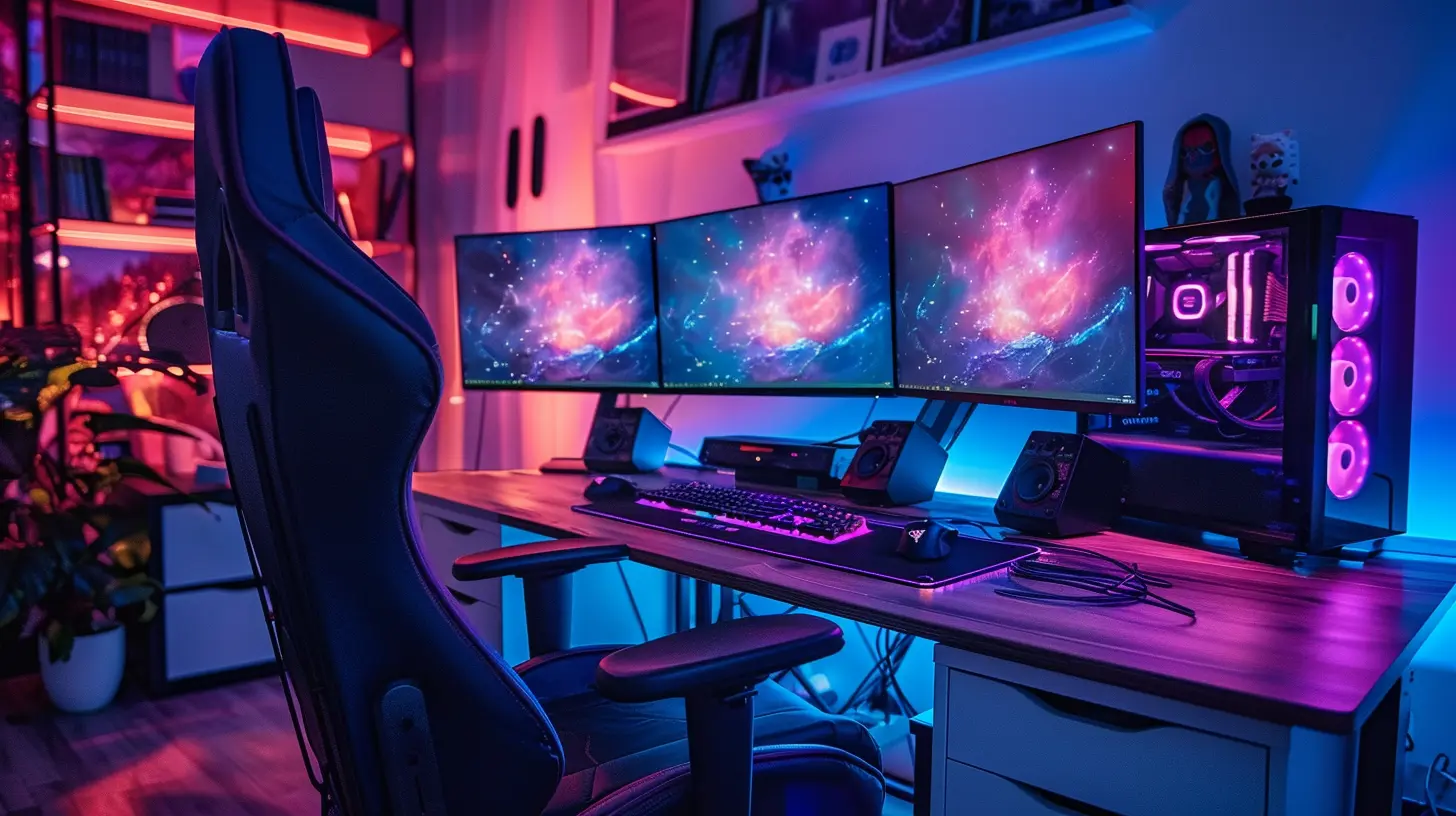
Tips to Maximize Your Chair for Multi-Monitor Use
So you’ve snagged your dream chair—awesome. But the journey isn’t over. If you want to get the most out of your setup, don’t just plop down and hope for the best.✓ Dial in Your Ergonomics
Adjust every setting. Don’t skip the details. Match your screen height with your eye level. Make sure your feet sit flat on the ground. Your mouse and keyboard should meet your hands at a natural angle.✓ Use a Floor Mat
Even the best chairs struggle on thick carpets or uneven surfaces. A quality chair mat helps with glide and protects your flooring.✓ Combine with Monitor Mounts
Trust me, once your monitors are mounted perfectly, you’ll feel like a gaming Jedi. Your chair's full range of motion will finally make sense.✓ Take Breaks, Stretch It Out
Even if your chair feels like a cloud, don’t spend eight hours glued to it. Move, stretch, hydrate. Your body will thank you—and your gaming will improve.Final Thoughts: Your Chair Is Your Command Center
Look, a multi-monitor setup means you’re serious about what you do—whether that’s gaming, content creation, or streaming. But without a proper chair, you’re only halfway there.Investing in the right gaming chair aligns your body and boosts productivity, comfort, and performance. Whether you're ballin’ on a budget or ready to splurge, there's a perfect throne waiting for you.
Because at the end of the day, you’re not just sitting—you’re conquering virtual worlds, editing masterpieces, or running your stream empire. Might as well feel like royalty while you're at it.
all images in this post were generated using AI tools
Category:
Gaming ChairsAuthor:

Brianna Reyes
Discussion
rate this article
1 comments
Thornefield Patel
Sit back, relax, and game like a pro!
July 10, 2026 at 2:27 AM
Brianna Reyes
Absolutely! A great chair makes all the difference for comfort and focus during gameplay. Enjoy the setup!